How to Organise a Football Squad: Availability, Team Sheets and Minutes
A squad is organised when three questions have an answer before anyone asks them: who can play, who starts, and who has played how much.
Every coach organises a squad, in a notebook, a group chat or their head. The trouble starts when the three are out of step: the chat says a player is injured, the notebook still has him starting, and nobody remembers who has had the fewest minutes this month. Organising a squad is keeping one list, and letting everything else read from it.
One list, kept by the coach
Start with the players: numbers, names, positions and the foot they prefer. Import the whole squad from a CSV file or paste it as text. With names and photos on the counters, the board your players see is their own team, not eleven numbers.
Mark who cannot play, once
Mark anyone injured, ill, away, suspended or a doubt, for a few days or a number of matches. Mark it once, and it shows on the squad, on the next match and on the team sheet, so the same player is never fit in one place and injured in another.
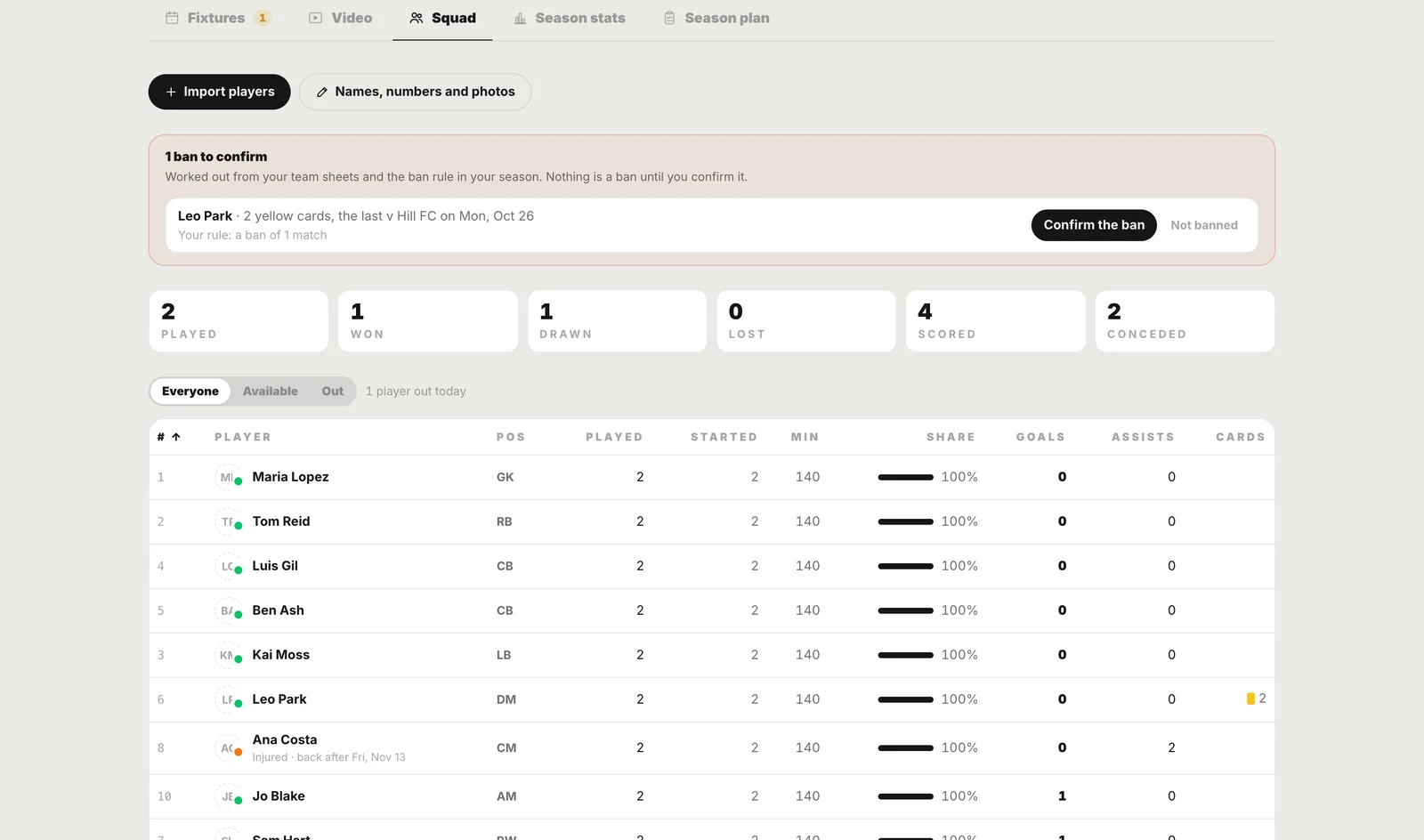
Bans: suggested, never assumed
Set your competition's rule once (a ban after so many yellows, and for a sending-off) and the squad page suggests each ban from the cards in your results. Nothing is a ban until you confirm it, and the rule is off until you set it. A sending-off is a red card or two yellows in one match, and those two yellows do not count towards the total.
Pick the team from who is left
Pick your eleven, your bench and your captain for the match. Start from your last team, or let the empty slots fill by position: only players who are available go in, the best fit first, and a slot nobody fits stays empty for you to decide.
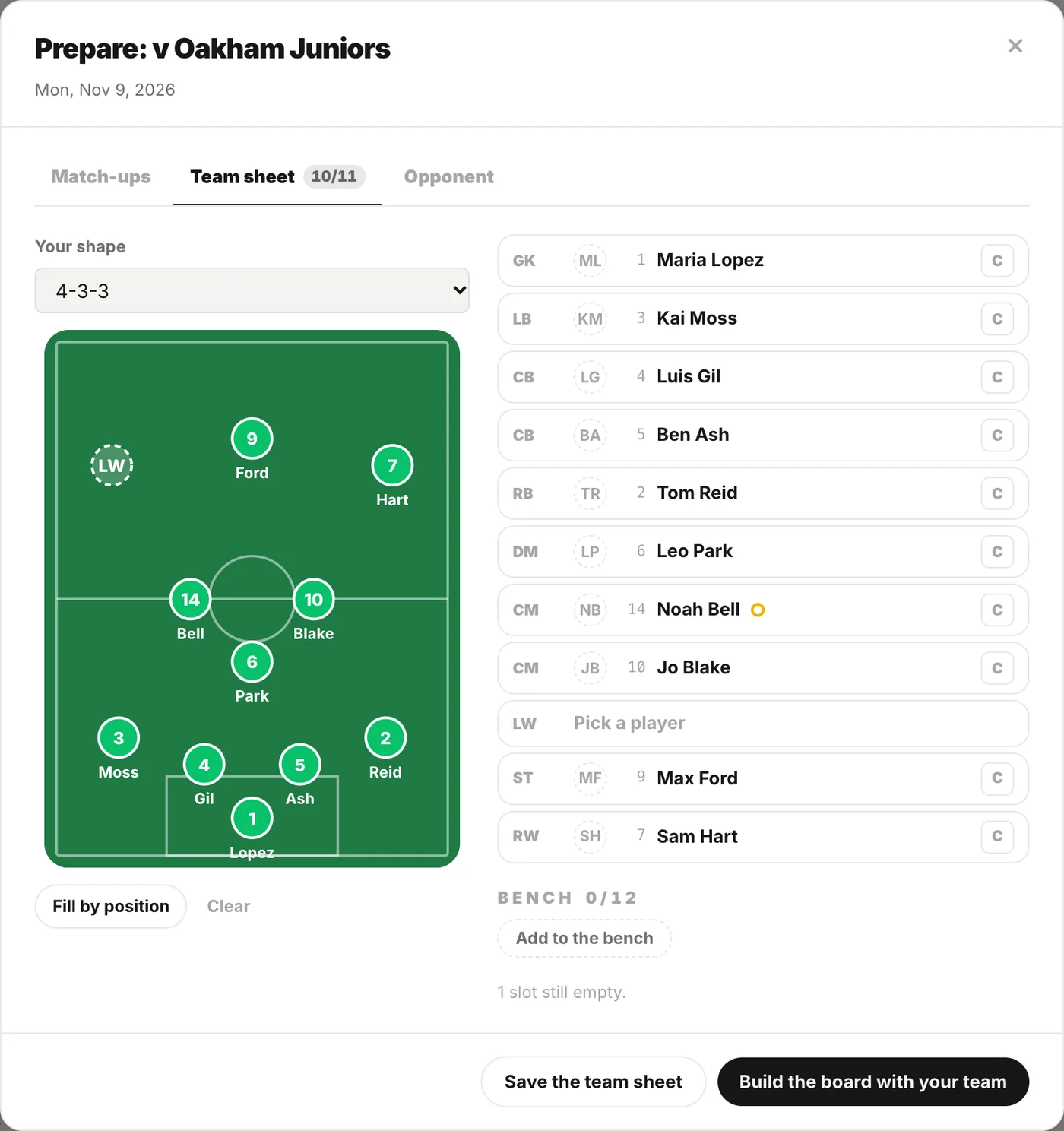
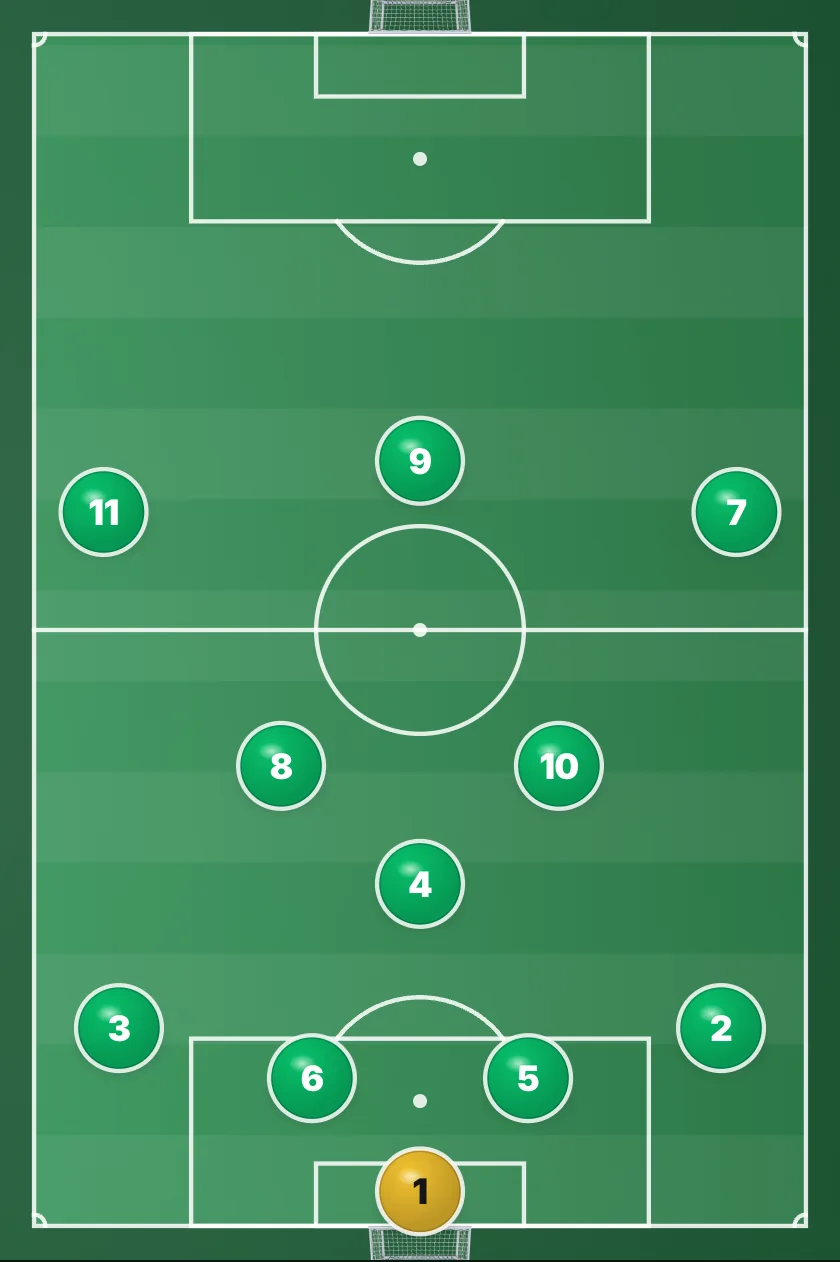
The match board then gets their names, so the shape you explain is the eleven who will play it. Most of a back four's work is the same whoever plays it; the team sheet is where you see who that is this week.
On the board Defending In A Back Four The back four that the whole shape stands on 6 phases → On the board The Back Four Reset The same four, getting back into line 6 phases →Without a squad in the studio, the free lineup builder makes the same team sheet on a pitch in a minute: pick a formation, type the names, save it as a picture.
Minutes, added up from the results
Add the score after the match. With a team sheet, the result opens already filled in: who started, the substitutes with their minutes, goals, assists and cards. Every player's season is added up from those rows, so a mistake is fixed by opening that match again, never by editing a total.
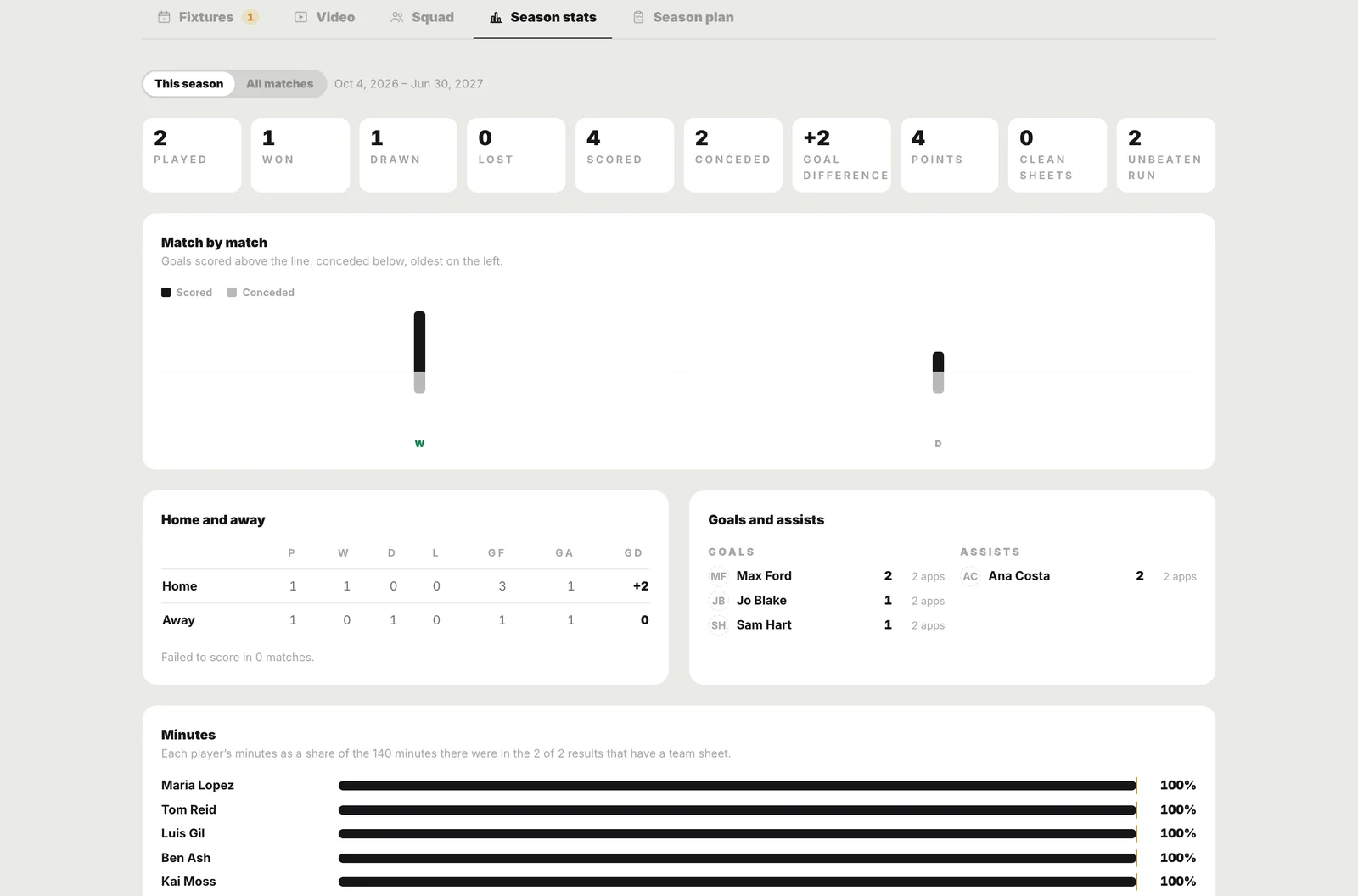
That share of the minutes is the fairest answer to the hardest conversation in youth football: who has played, and how much. With registers taken at training, the same page shows attendance, with injured and excused players not counted against anyone.
Staff on the same squad
An assistant on a team seat, with the squad shared, opens the head coach's Team Centre from their own team page. With edit rights they can change fixtures, results and the plan, so the list stays one list however many coaches keep it.
A squad that knows who is fit is half of match preparation. The other half, from the fixture to the team talk, is in football match preparation, step by step, and the build-up the eleven will rehearse is on the board:
On the board Playing Out From The Back Playing out from the back, phase by phase 6 phases → In the Studio Put your squad on the board Your players, your shape, and the minutes that add themselves up. Open Studio →Drawn from
Every claim above is on one of these boards.
Nothing in this post teaches something the diagrams do not show. That is a rule, not a coincidence: the article is written from the systems, never the other way round.
The notebook
One system, explained, every week.
The diagram, the principle, and the detail most people miss. Unsubscribe in one click.
Follow along
Watch the systems move.
Short tactics reels, every frame drawn, no broadcast clips. Follow along wherever you scroll.
Read next
Moving Beyond X's and O's: Designing Drills with Digital Training Gear
Coaches are visual learners, but a tactical board with just arrows leaves too much to the imagination. Enter digital cones, mannequins, and hurdles.
Visualizing Roles: Why Player Images Fix Broken Tactics
A generic number 6 on a whiteboard is an abstract concept. But when a player sees their own face on the tactical board, they instantly understand their responsibility.
Why Every Coach Needs a Premium Tactics Board Tool
The days of static arrows on a whiteboard are over. The modern game requires a tool that actually moves.