Out now on the App Store
TotalFootball Studio
The tactics board,
in your pocket.
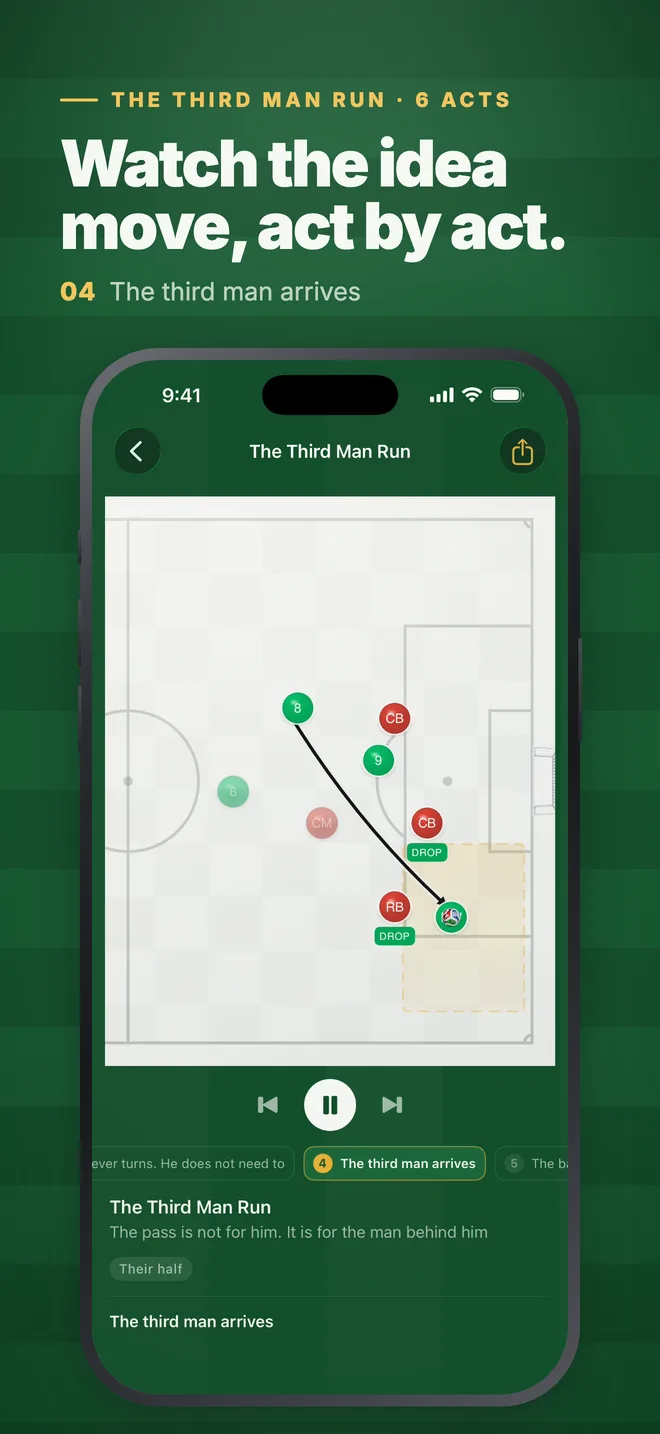
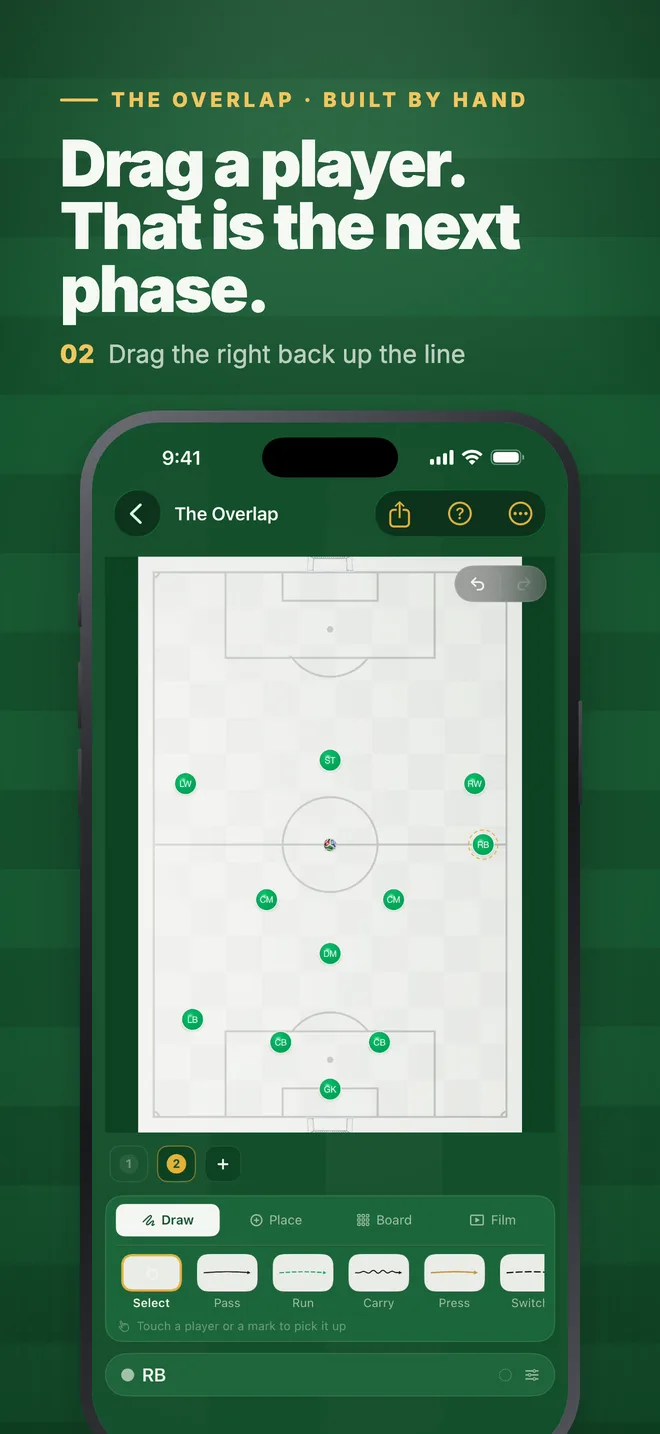
TotalFootball Studio is the football tactics board that plays, on iPhone and iPad. Drag your players into shape, set the next phase, and the app films the movement between them. No keyframes, no timeline to fight.
- Price
- Free to download
- Requires
- iOS 17 or later
- Size
- 24.6 MB
- Devices
- iPhone and iPad
A tactics board that plays, built for your hand.
-
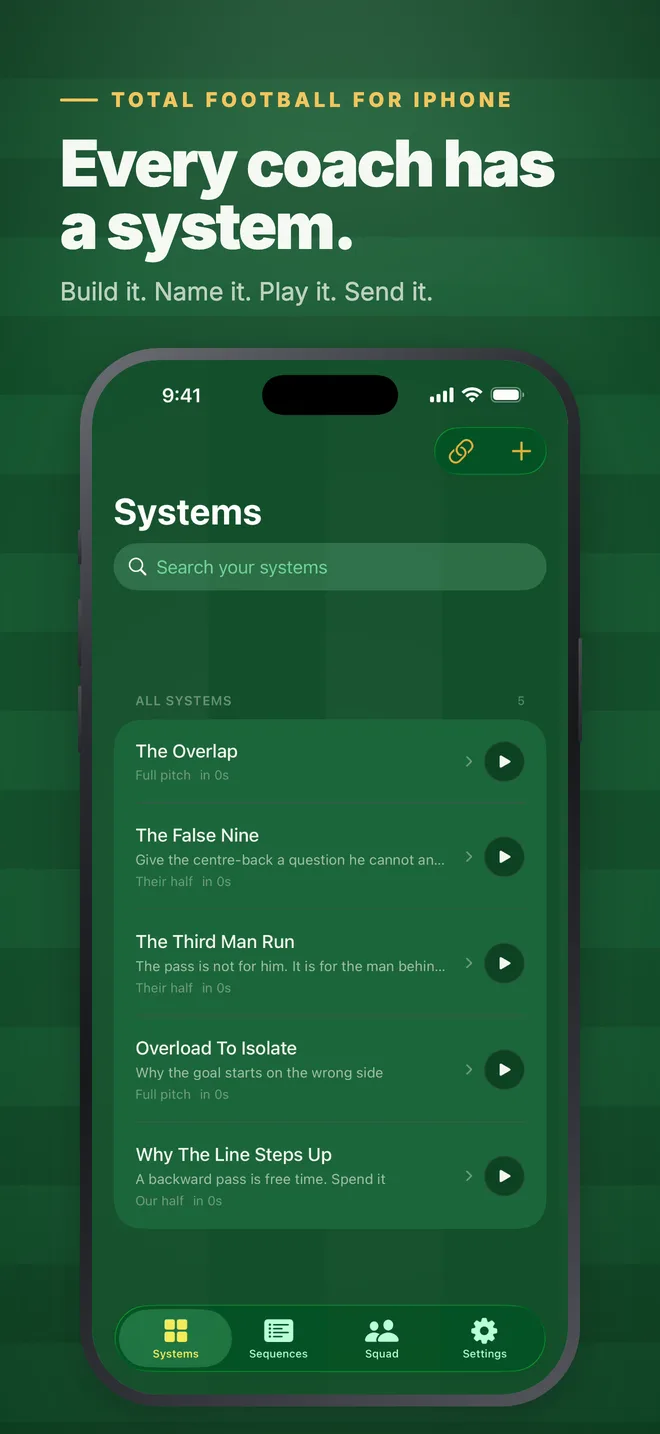
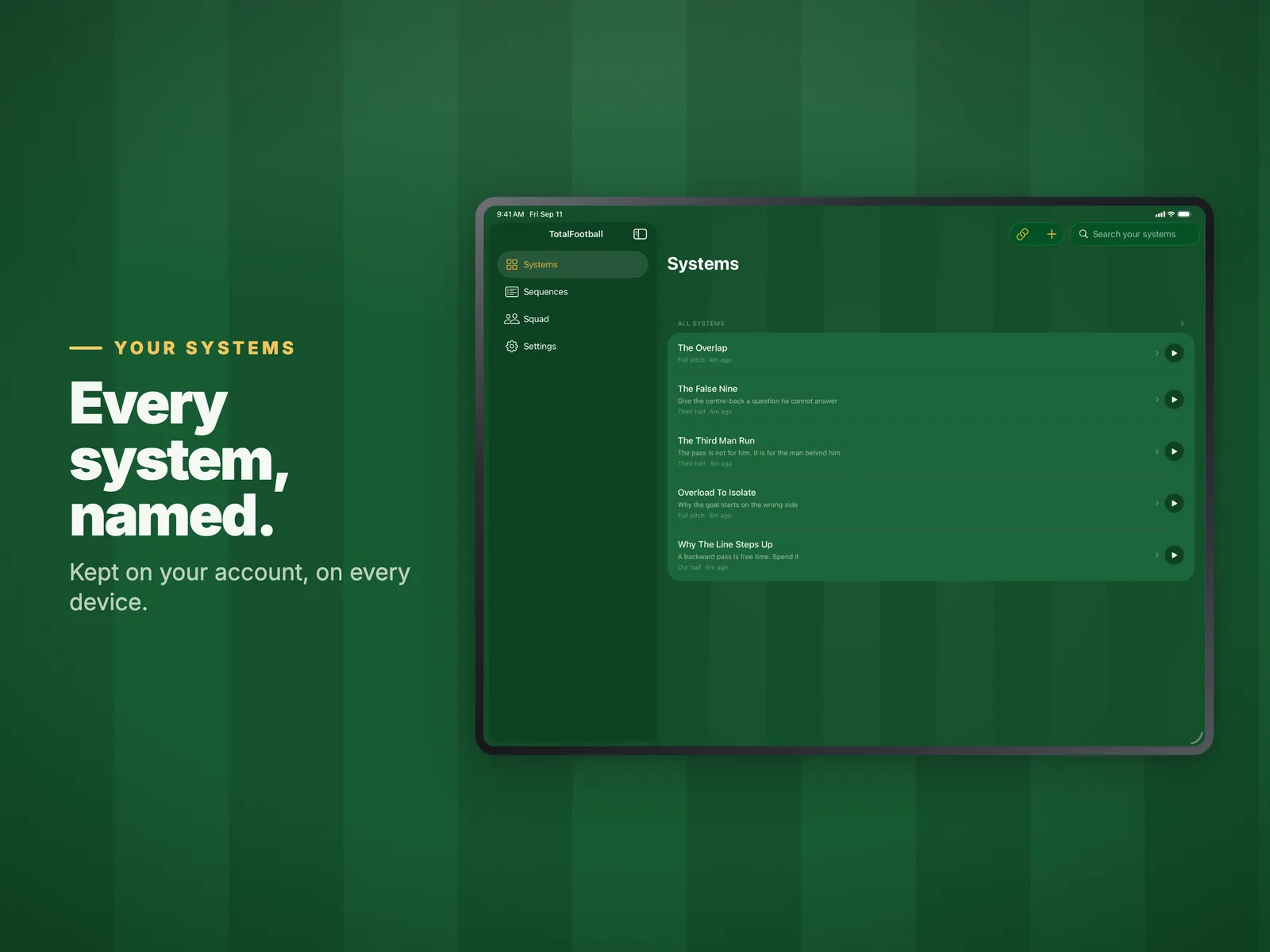
Systems
Build a shape, open it, edit it, and play it back as a film.
-
Sequences
Chain phases into a move and step through it on the touchline.
-
Folders and templates
Start from a formation instead of a blank pitch.
-
Squad
Your players, their names and headshots, your kit and crest on every board.
-
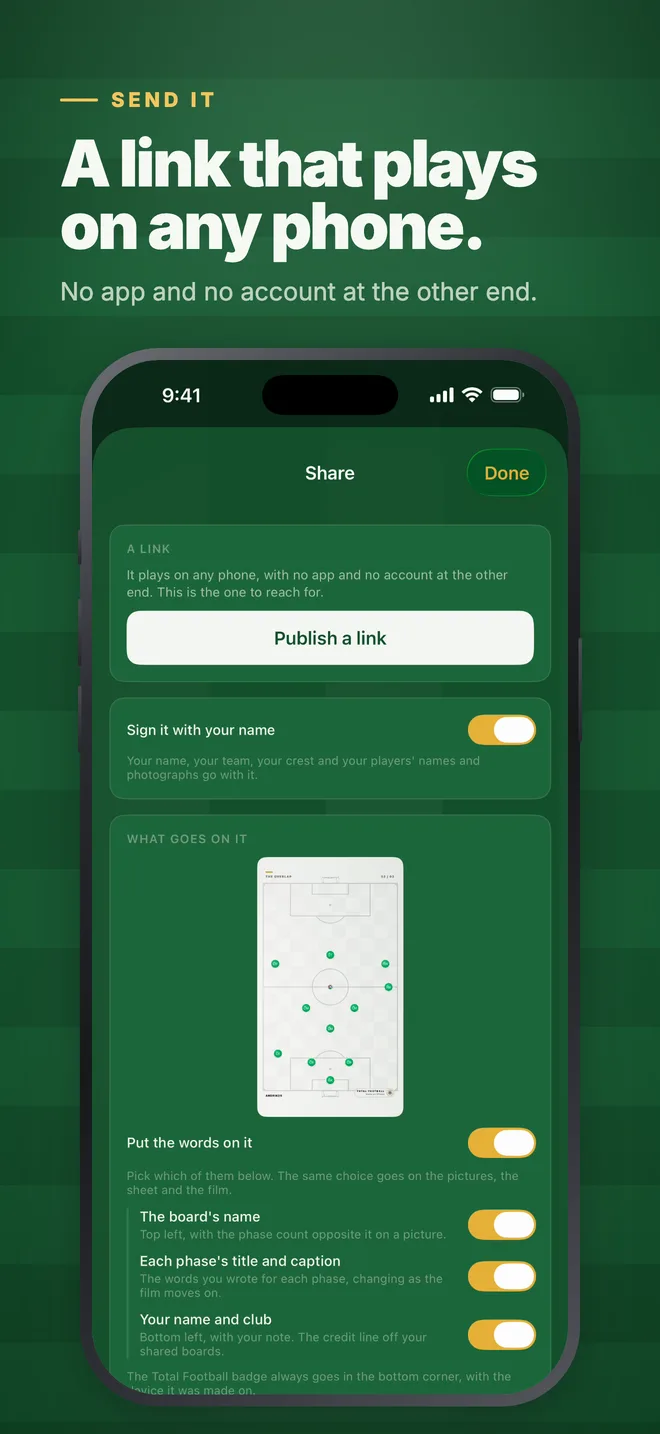
Share
Send a link, or export a still, a sheet, or the film itself.
-
iPhone and iPad
Portrait on the phone, landscape when you turn it, the full board on iPad.
On iPhone
Build it. Name it. Play it. Send it.
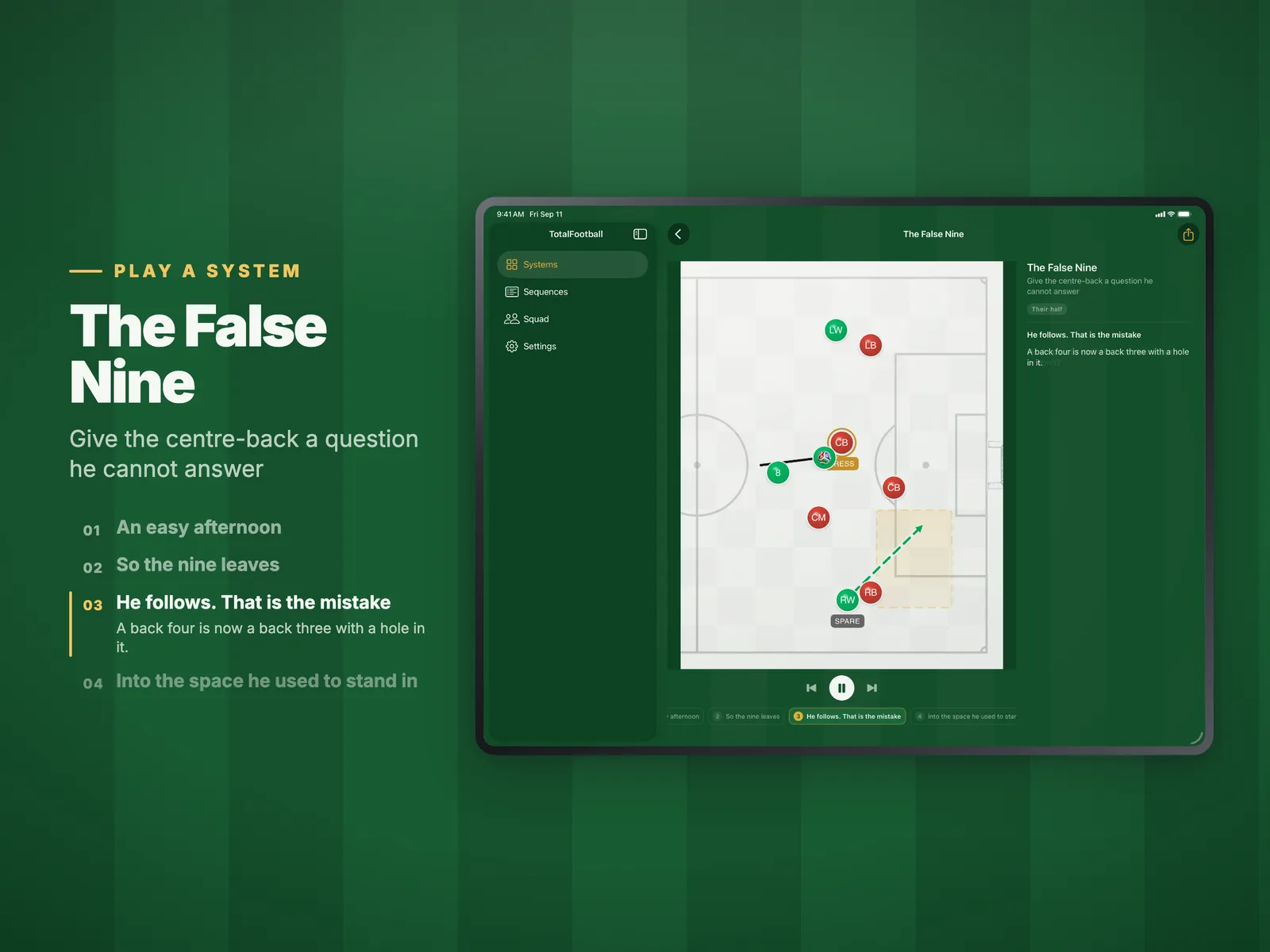
On iPad
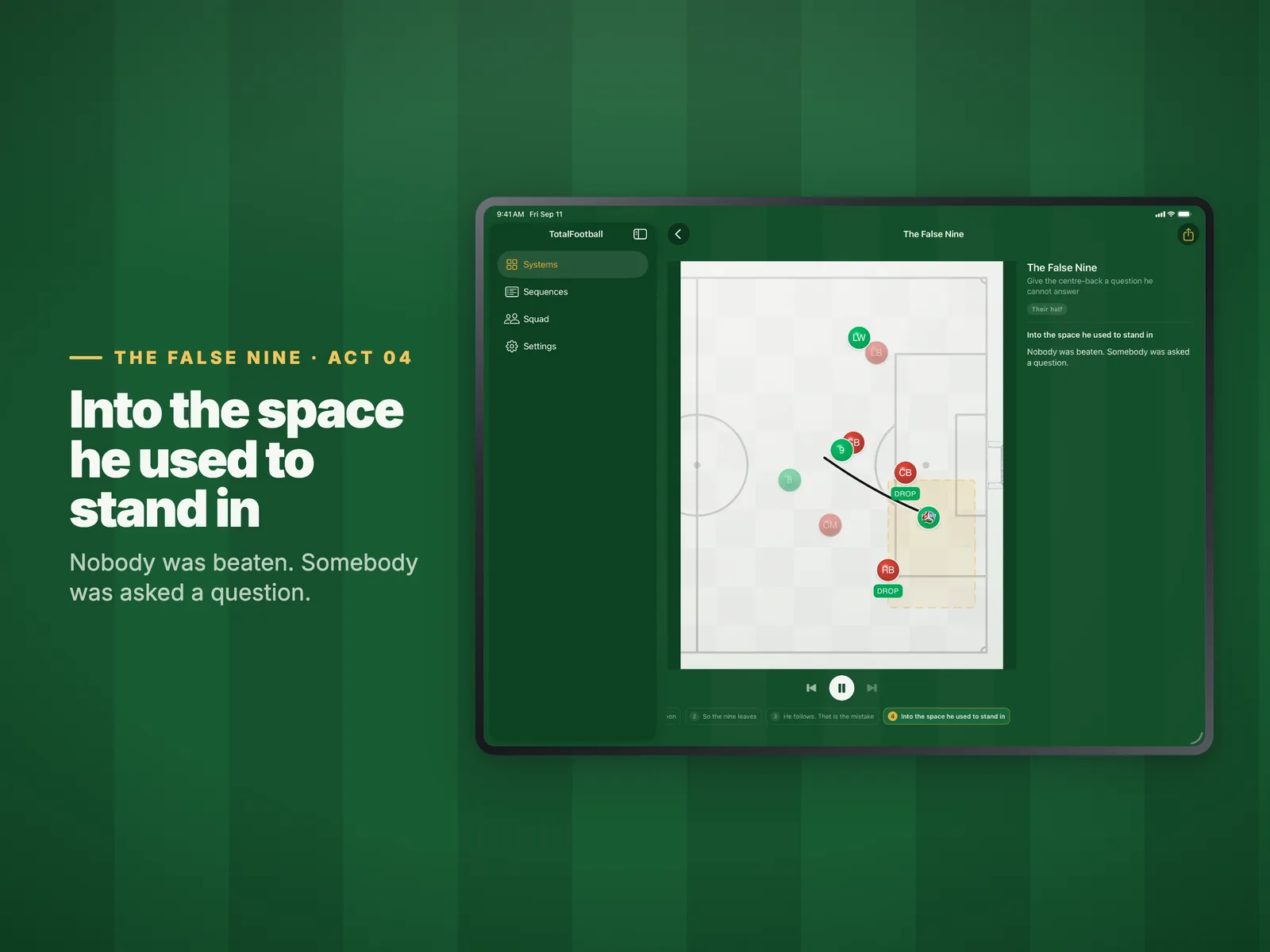
The full board, for the dressing room.
Landscape, with your systems down the side and the phases next to the pitch. Play a system and walk the room through it one act at a time.
About the app.
What it costs, what it needs, and what happens to the boards you make on it.
All questions Is there an iPhone or iPad app?
Yes. TotalFootball Studio is free to download on the App Store for iPhone and iPad, and needs iOS 17 or later. Sign in with the same account you use on the web and every system, sequence and squad you have made is already on it, on the same plan. Each month in the app, the free plan makes 2 new boards, 2 sequences and 5 squad players, Amateur 20, 8 and 20 (doubled as an early offer), and Pro as many as you like.
How much does the Studio cost?
It has a free plan. Beginner costs nothing, needs no card and never expires, and has the whole animation engine with 15 boards on the web. Amateur (from €8.99 a month) and Pro (from €15.99 a month) add more tools. It runs in the browser, and the iPhone and iPad app is free on the App Store.
Compare the plans Can I pay in the iPhone app?
No. The app is free on the App Store and takes no payments. You choose a plan on the web, and it applies everywhere you sign in, including iPhone and iPad.
Is what I build private?
Yes, by default and permanently. Your boards sit in your account and nobody else can see them. A board becomes visible to anybody else only when you act: a share link, which reaches whoever you send it to, or publishing it to the feed, which is a separate decision with its own dialog. Neither happens on its own, and nothing you have built is ever swept into either one.
Every board you make is on every device.
Your account is the same one you use in the studio on the web. Sign in with email, with Apple or with Google, and the systems, sequences and squad you already have are waiting.