Boards
Read any board in metres, draw a new one with its look (pitch view, tilt, zones, labels, camera), check it, save it, change any board in place with Restore, make a copy.
Connect Claude, ChatGPT, Claude Code, Codex or Cursor to Total Football Studio. Say what you want in one sentence: your AI draws it on a real tactics board, plans the session to train it, and checks every position before it saves.
On Amateur and Pro. 750 or 2,500 requests a month included. Your AI does the thinking; you pay nothing for a model here.
You
Draw our 4-3-3 high press on a board: when their centre-back gets the ball, our nine curves his run to show him outside, the winger jumps their full-back and the midfield pushes up to win it back. Three phases. Then plan Tuesday's session (2026-11-24) to train it: 75 minutes, 16 players.
Claude Code · What it called
What an MCP server is
MCP, the Model Context Protocol, is the open standard AI apps use to reach other software. Our server gives your AI the studio’s own tools: it can read your boards and sessions, build new ones and hand you the link. You keep using Claude, ChatGPT or your editor as usual; the boards land in your account.
It answers from your boards, sessions, team, Manager Lab saves and past puzzles, not from the internet.
Every board opens in the studio like one you drew: move it, play it, export it as a video.
The studio checks each draft in real metres and hands back corrected values, so the AI fixes it, not you.
One sentence, a board and a session
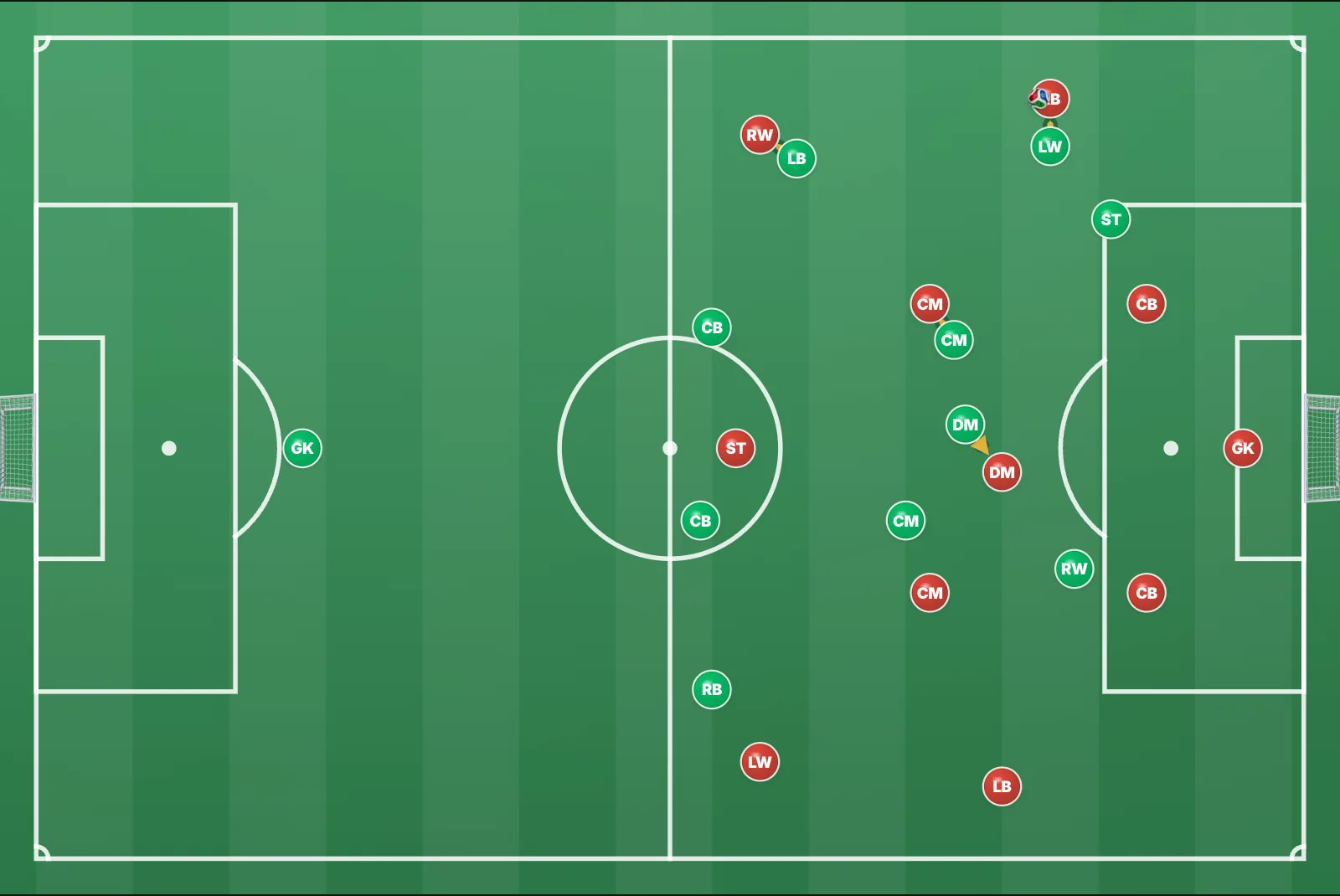
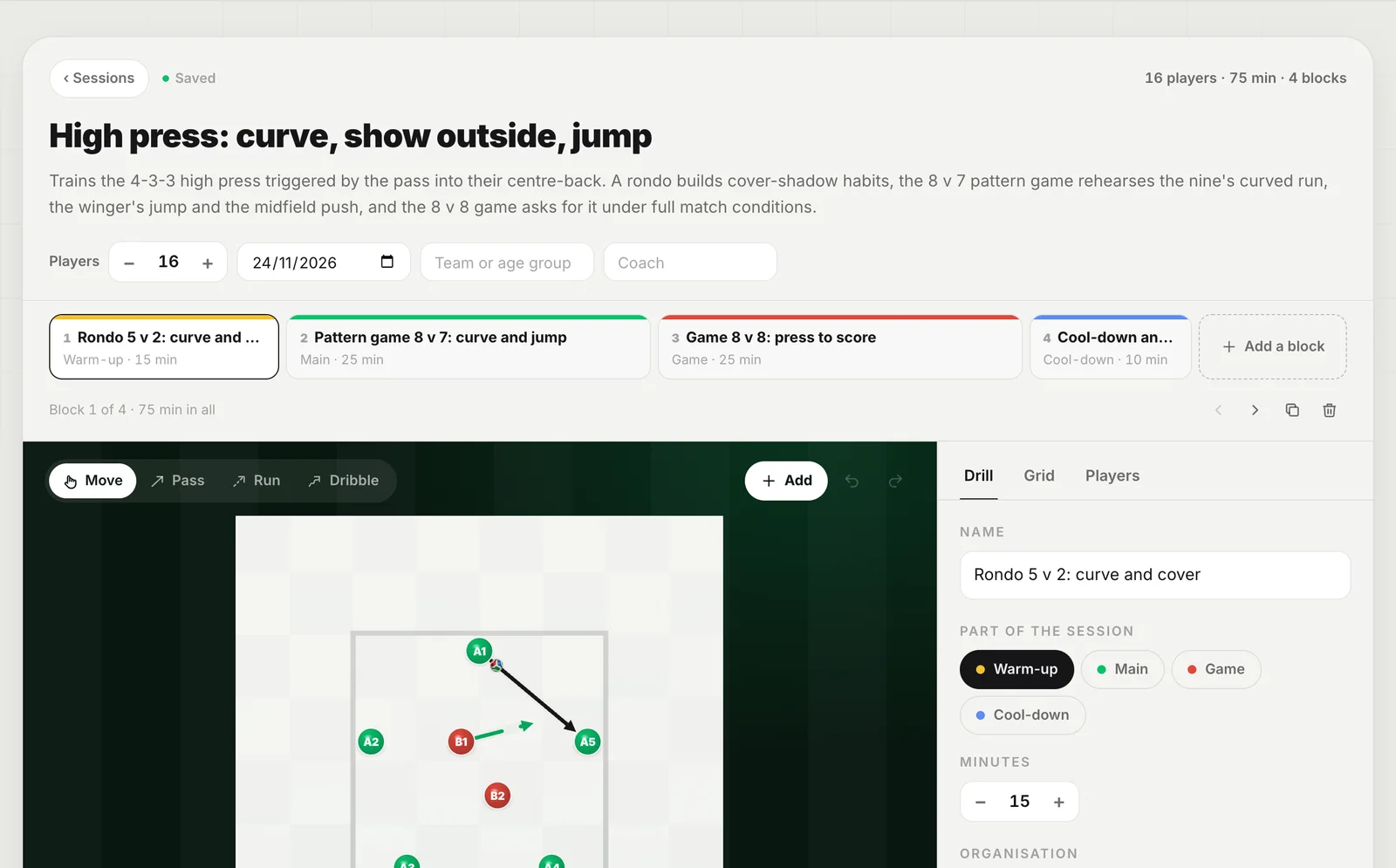
We connected Claude Code to a test account and typed one sentence. It read the formations, wrote a three-phase board, ran the studio’s check (no faults), saved it, then planned and saved the session. Six calls, two of them free.
The sentence
“Draw our 4-3-3 high press on a board: when their centre-back gets the ball, our nine curves his run to show him outside, the winger jumps their full-back and the midfield pushes up to win it back. Three phases. Then plan Tuesday's session (2026-11-24) to train it: 75 minutes, 16 players.”
01
Trigger: ball into their centre-back
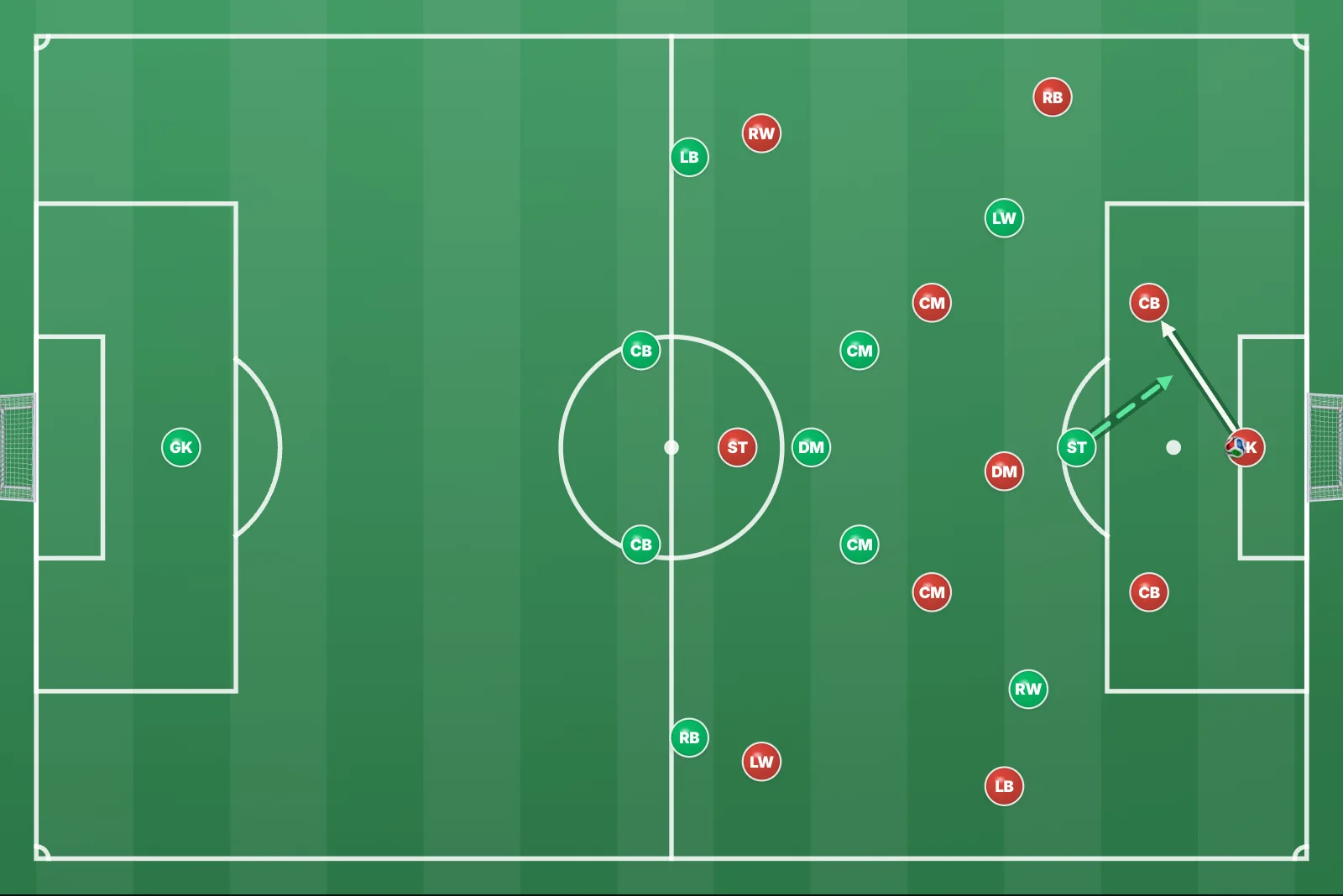
Keeper plays into their right centre-back: that's the trigger. Nine starts his run now, curving from inside so his body blocks the pass back to the keeper and across.
02
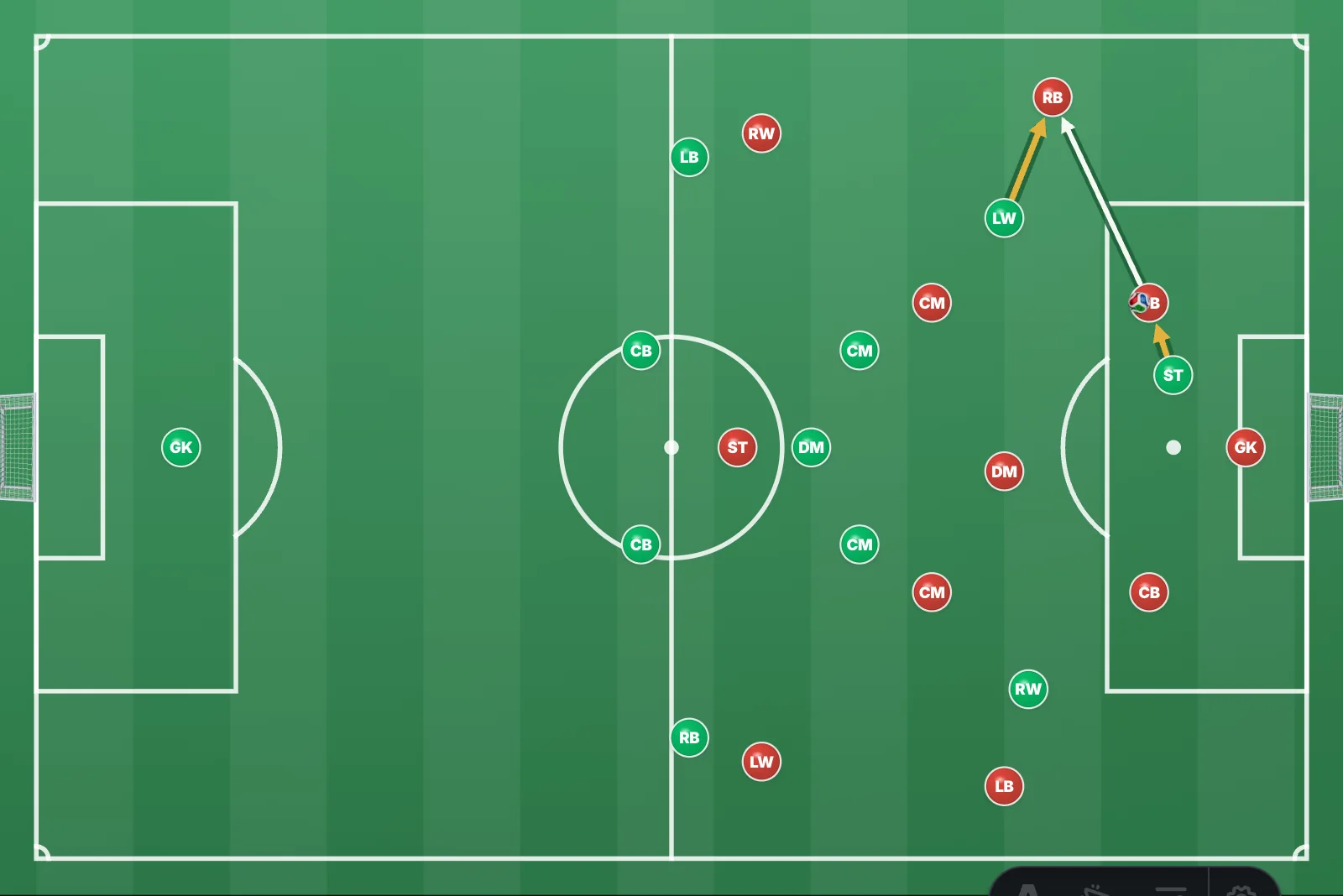
Nine shows him outside
Nine arrives on the inside shoulder: keeper and other centre-back are in his shadow, so the only way is out to the full-back. Winger waits narrow, ready to jump on the pass.
03
Winger jumps, midfield pushes up
As the ball travels, the winger jumps the full-back from inside and the nine curves on to cut the pass back. Eight locks their eight, six steps onto their six, full-back takes the winger: no way out, win it.
High press: curve, show outside, jump · 16 players · 75 min · Tuesday
What your AI can do
Reading costs one request, so does making. Your AI changes a board only when you ask, and the board keeps Restore; your sessions, team sheets and saves are never changed.
Read any board in metres, draw a new one with its look (pitch view, tilt, zones, labels, camera), check it, save it, change any board in place with Restore, make a copy.
Read a clip with the studio’s own figures at any second, put figures and freezes on its timeline, read and add tagged moments on a full match, make a playlist.
Read your plans, write a session block by block on real grids, check it, save it to your planner and put it on a day.
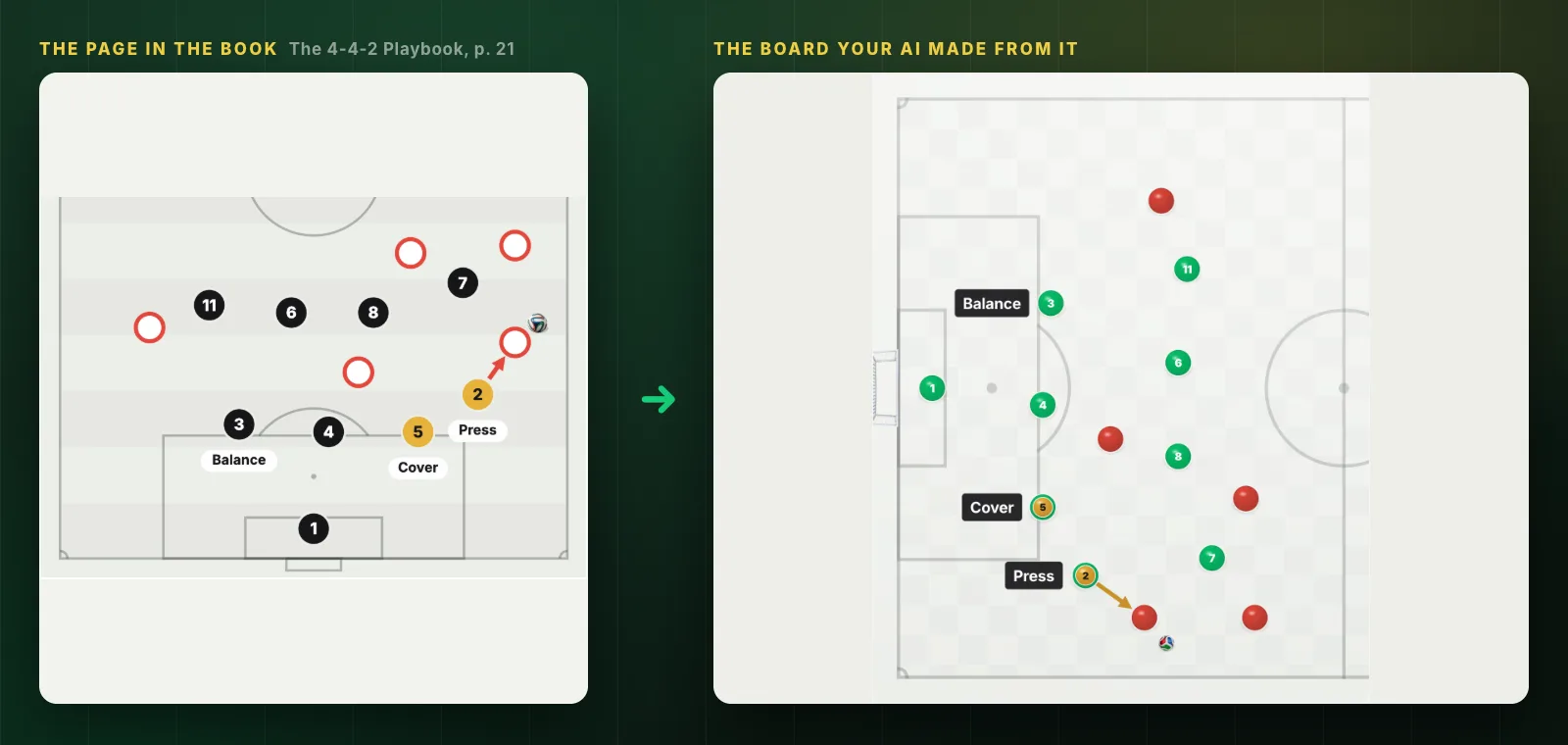
Read the Playbook Series books you own, in any of the five languages, find a topic across them, put any board from a book on your studio exactly as drawn, and take a book’s session into your planner.
Prep a match from your fixtures, availability and opposition files, read any player’s season, put a team sheet on a board and plan a training day. Pro.
Read a Football Manager save on the Lab’s own numbers: Best XI, fits, depth, the plan. Put any tactic on a board with the names on.
Study and replay past puzzles with the scored answer. Today’s stays yours to answer in the studio.
Your plan, what this connection may reach and the requests left. Free.
AINew · Your book, in your AI
The Playbook Series books you own are open to your AI, in all five languages. It reads a chapter, finds a topic across your books, puts any board from a book in your studio exactly as drawn, and takes a book’s session into your planner.
AI connections come with Amateur (750 requests a month) and Pro (2,500), and a free trial has 30% of that; not Beginner. Your AI only reads the books you own. Your AI app’s own subscription is separate.
Connected ChatGPT before 22 November? Press Refresh on the app in ChatGPT’s Plugins, or remove it and add it again, so it sees your books. Show me where
Each one opens in your AI the moment you own it, chapters, boards and sessions. The 4-3-3 Playbook is free.
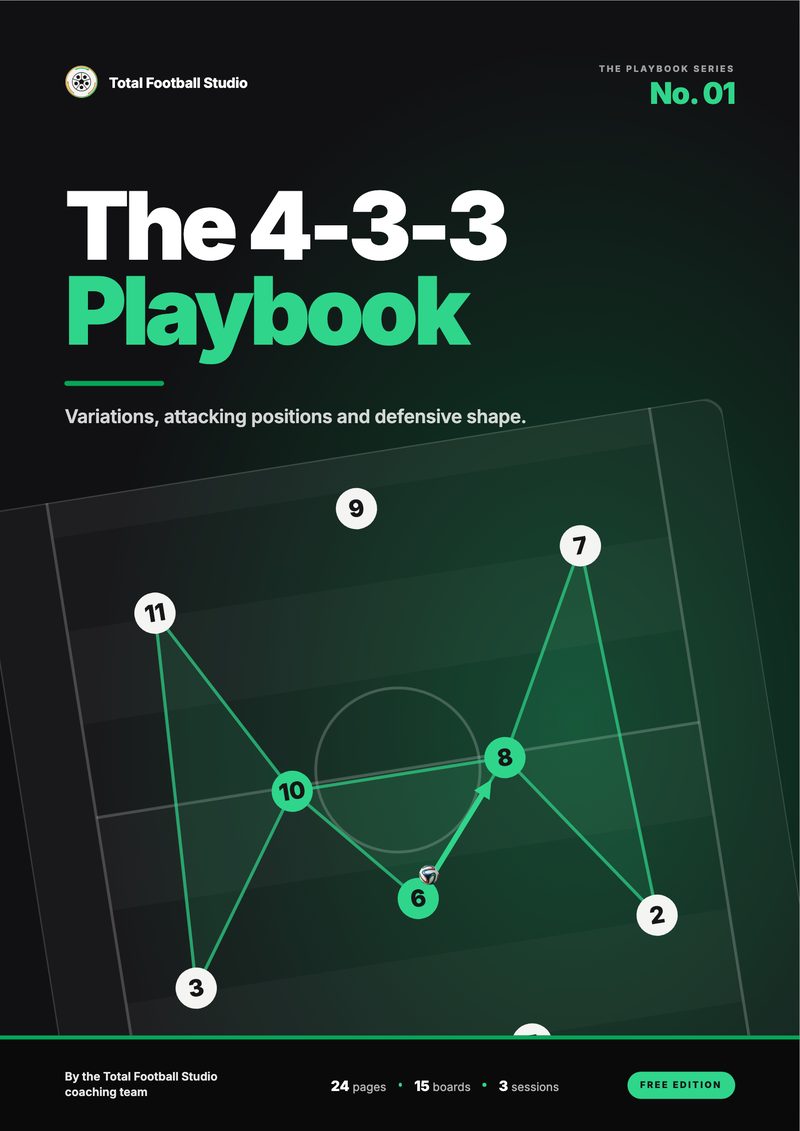 Free The 4-3-3 Playbook Variations, attacking positions and defensive shape. The variationsBuild-up structuresAttacking positioning
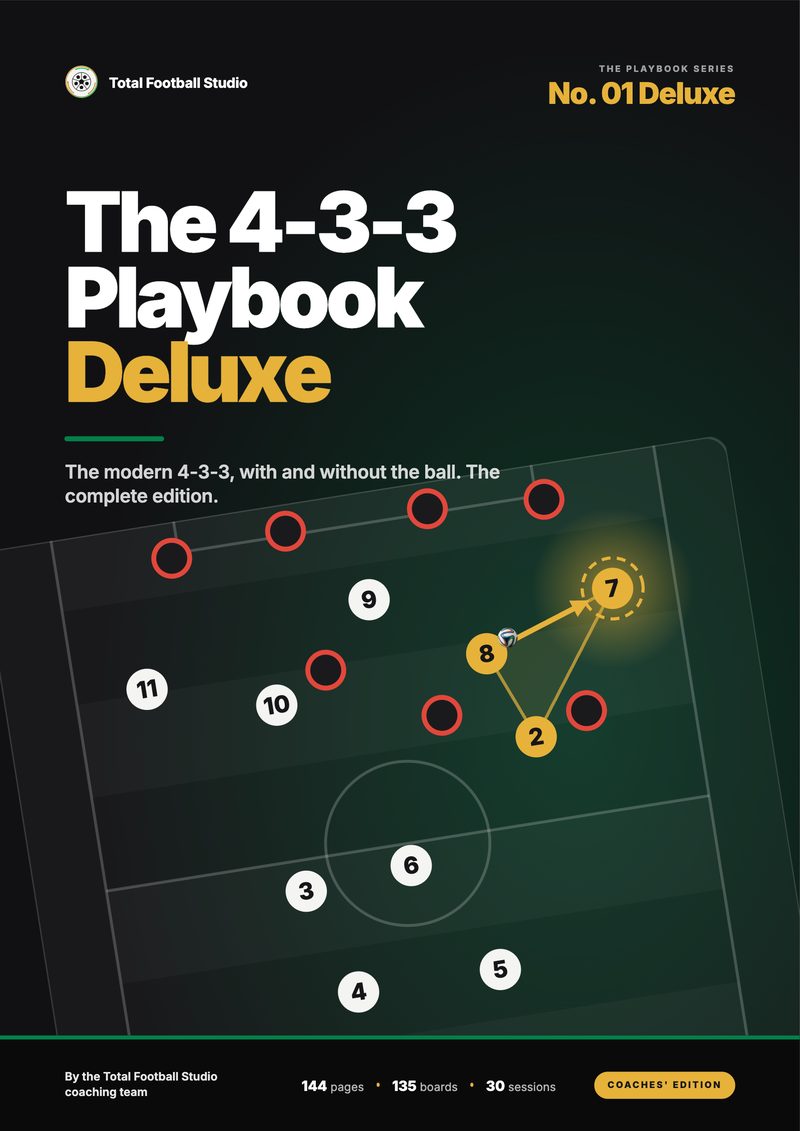 The 4-3-3 Playbook: Deluxe Edition The modern 4-3-3, with and without the ball. The complete edition. Pivot: the 6 and the two 8sBuild: playing outBreak: through the lines
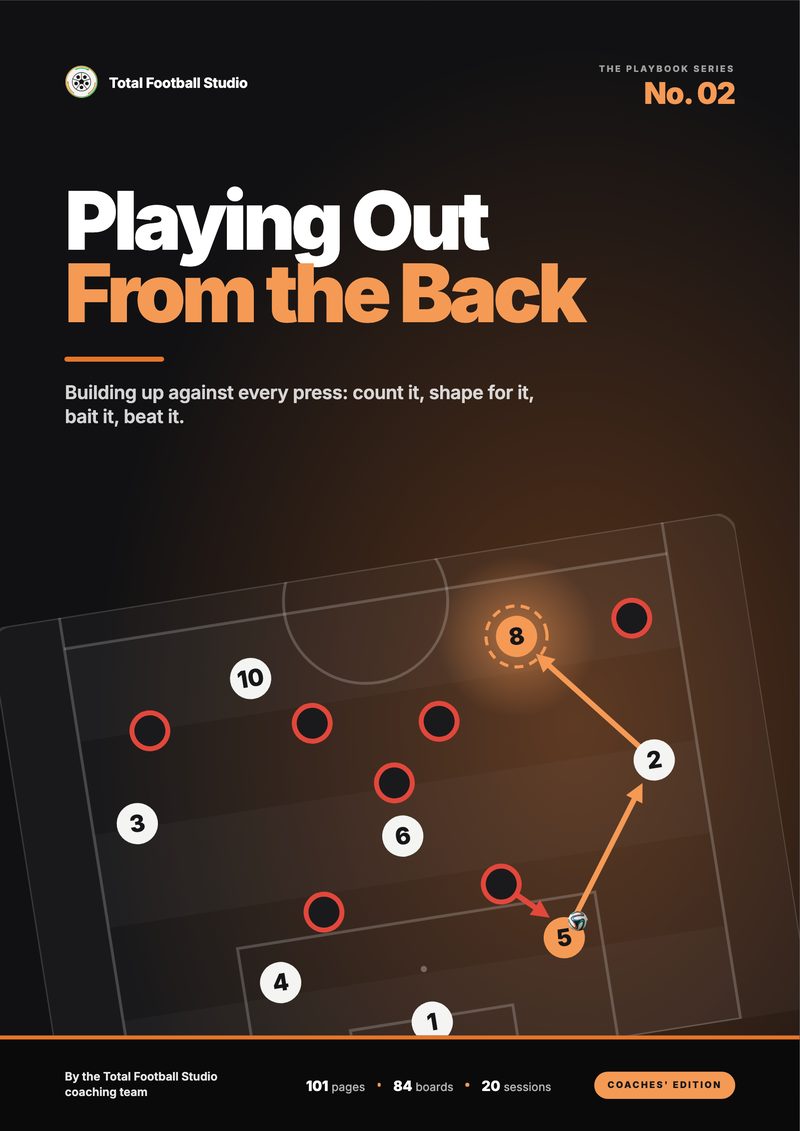 Playing Out From the Back Building up against every press: count it, shape for it, bait it, beat it. Shape: the four basesBait: inviting the pressExit: eight ways through
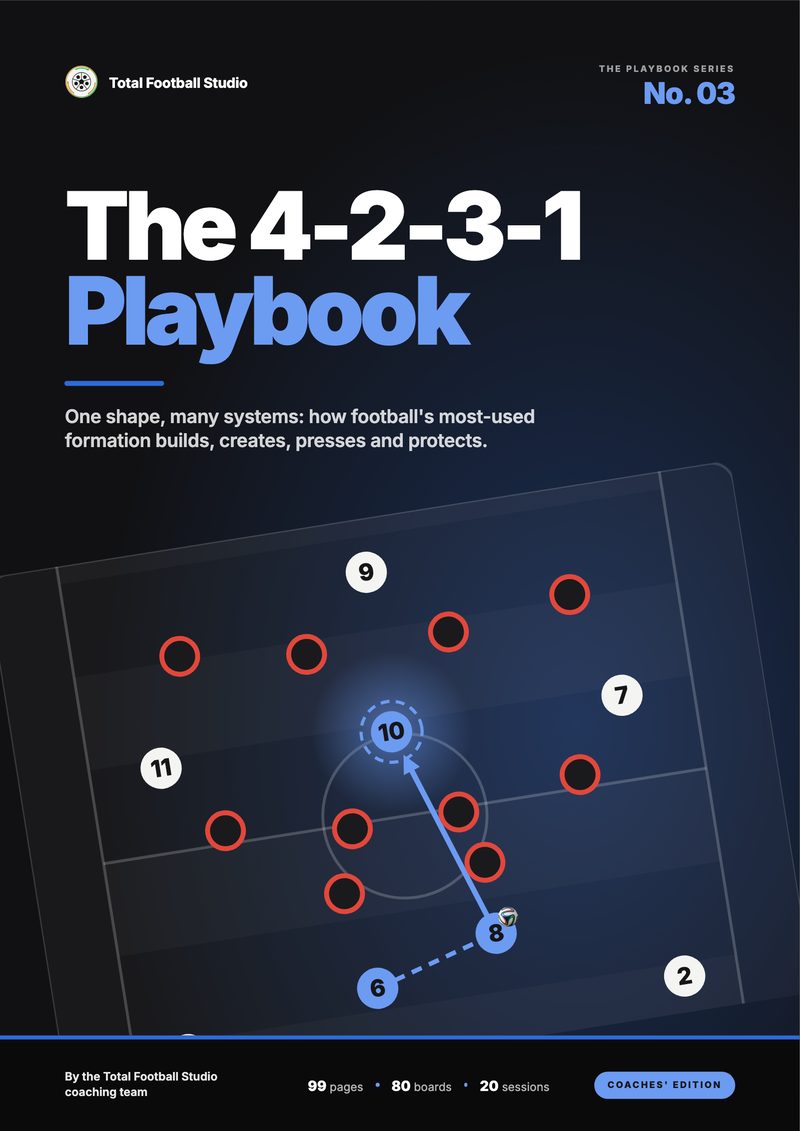 The 4-2-3-1 Playbook One shape, many systems: how football's most-used formation builds, creates, presses and protects. Shape: the eleven rolesOne shape, many systemsPivot: the double pivot
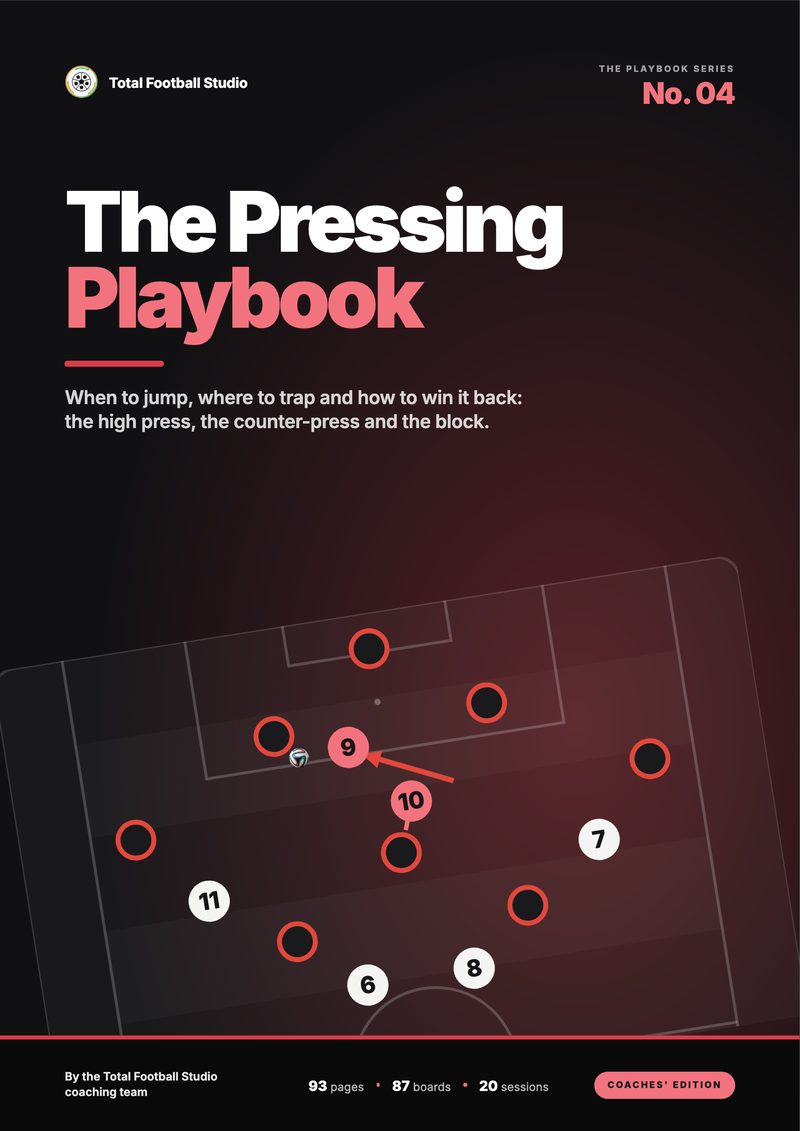 The Pressing Playbook When to jump, where to trap and how to win it back: the high press, the counter-press and the block. Read: the triggersShape: the blockJump: the first line
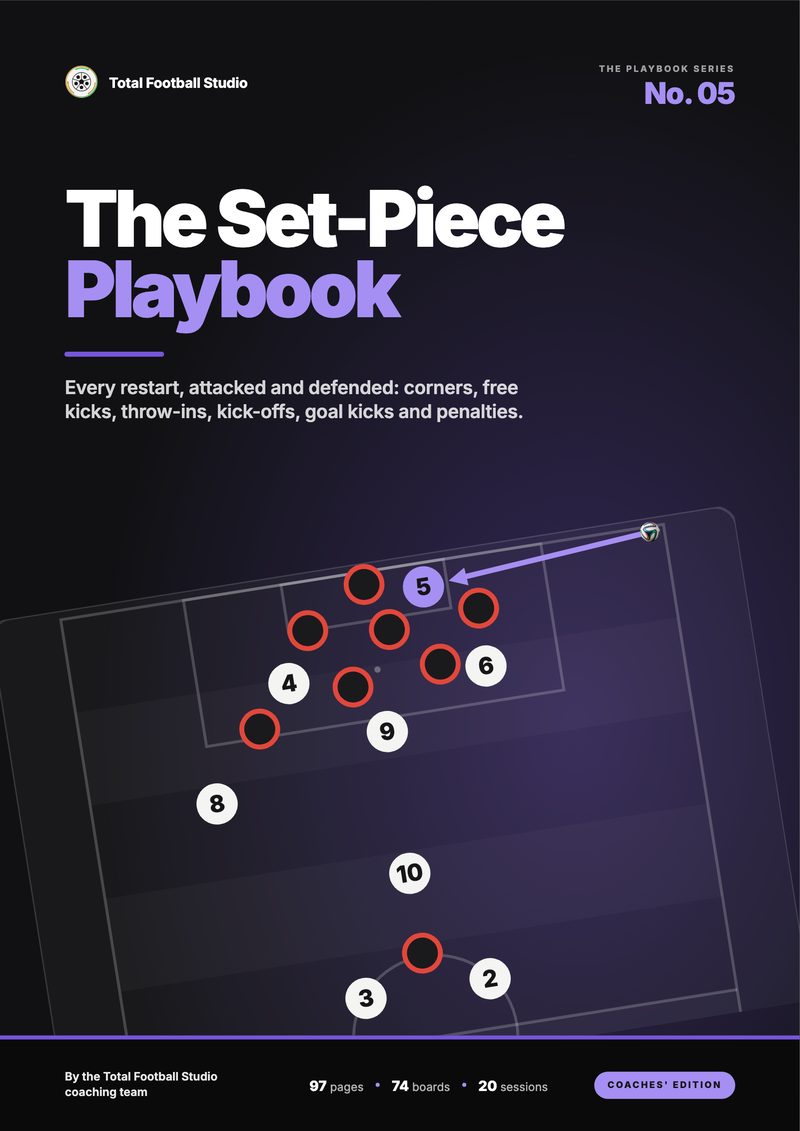 The Set-Piece Playbook Every restart, attacked and defended: corners, free kicks, throw-ins, kick-offs, goal kicks and penalties. Plan: the set-piece systemDeliver: the corner kickMove: corner routines
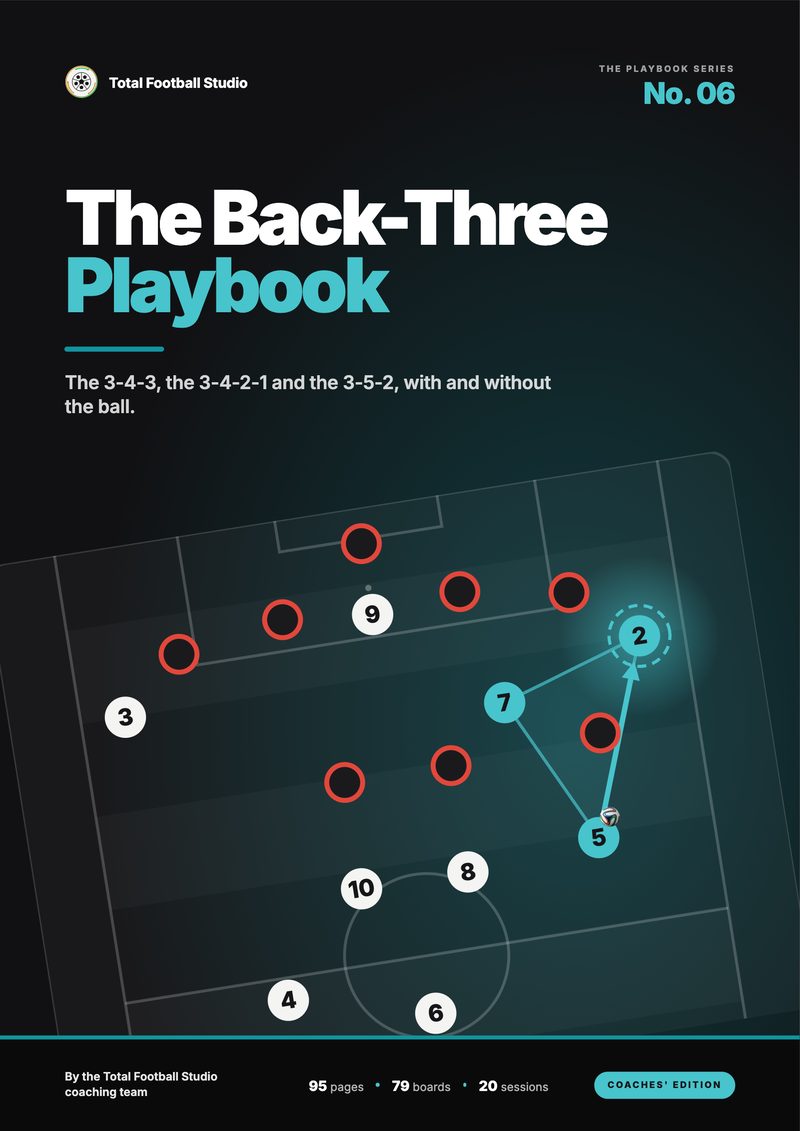 The Back-Three Playbook The 3-4-3, the 3-4-2-1 and the 3-5-2, with and without the ball. Hold: the back threeStep: the outside centre-backWidth: the wing-back
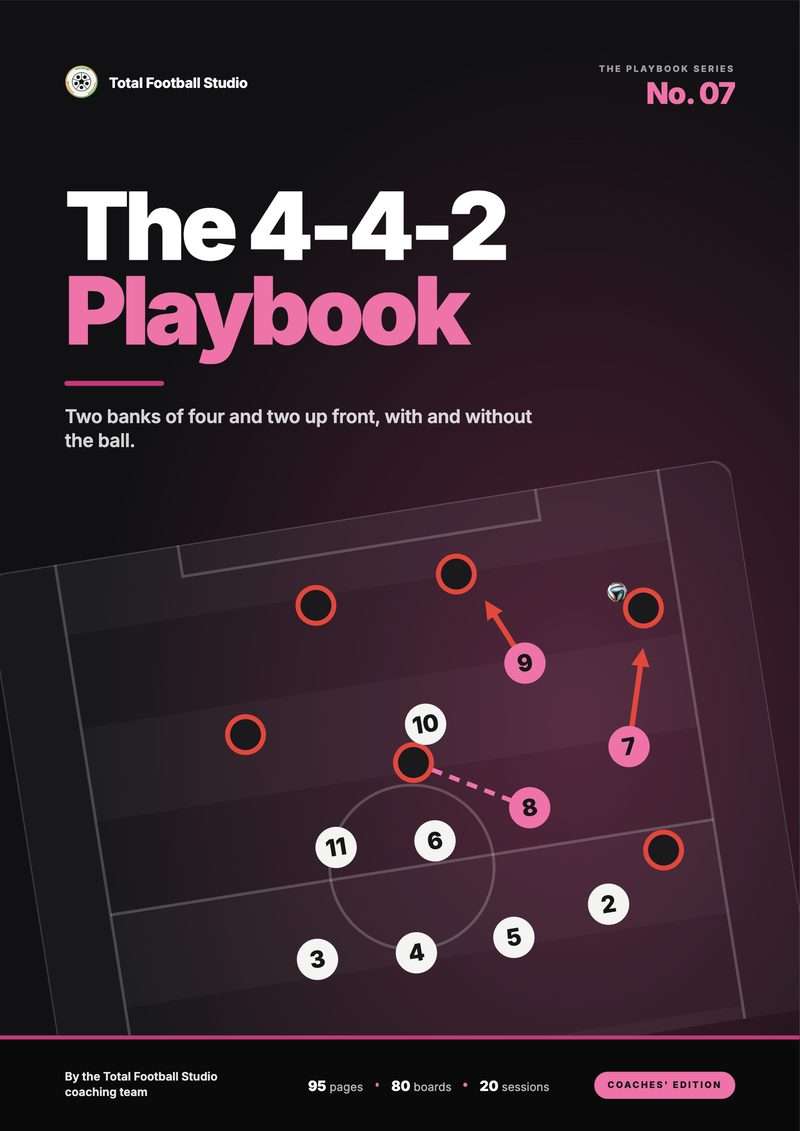 The 4-4-2 Playbook Two banks of four and two up front, with and without the ball. Block: two banks of fourShift: sliding togetherPress: pressing from a 4-4-2
Set up in two minutes
Claude and ChatGPT connect by signing in, no key to copy. Coding apps take a key you make in Settings, scoped to what you tick.
Make a key in Settings > AI connections, then run:
claude mcp add --transport http --scope user totalfootball https://totalfootballstudio.com/mcp \
  --header "Authorization: Bearer YOUR_KEY"
Safe by design
It adds new boards, sessions and copies. When you ask it to change a board, the board keeps the version from before: one click on Restore puts it back. Your sessions, team sheets and saves are never changed.
Each key or connection holds only the areas you tick: boards, sessions, puzzles, your team, Manager Lab. Notes about your players need a tick of their own. Change your mind and make a new one.
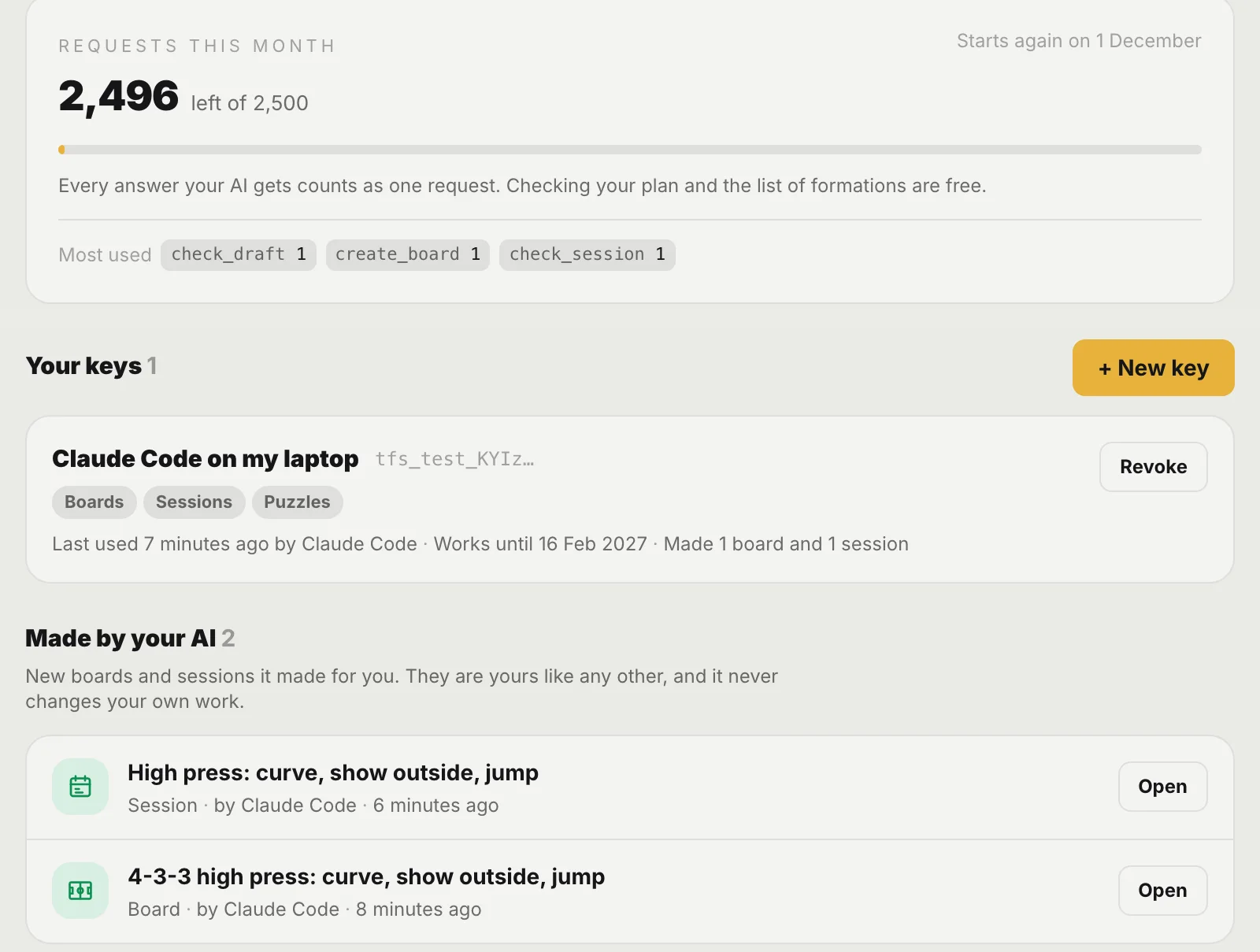
Settings lists every board and session your AI made, which app made it and when. A board says “By Claude Code” until you clear it.
Revoke a key or disconnect an app and its next call is refused. Up to 10 keys and 10 connected apps.
A key is shown once. We keep a fingerprint of it, not the key. Sign-in tokens last an hour and renew on their own.
Titles, notes and rules you wrote reach your AI marked as data, never as instructions to it.
Requests
Every tool call your AI makes is one request. Checking your plan and the list of formations are free, and a call that fails on its input is not charged.
Amateur
750 requests a month
Pro
2,500 requests a month
Teams
One allowance per seat, pooled for the staff
On a free trial your plan gets 30% of it, the rest the day it starts. Beginner has no AI connections.
5,000 for €4.99 or 20,000 for €14.99. Paid once, never expire, used after the month’s allowance.
€1.49 per 1,000 requests, billed monthly, never past the limit you set.
At most 60 requests a minute per key. See the plans →
The skill
The Total Football Studio skill teaches an AI how a good board is made here: which tools to call in what order, how to use the check’s corrected values, how to plan a week. It is a small folder of instructions in the open Agent Skills format. Drop it into your AI’s skills and it loads only when a football task needs it.
totalfootball-studio/
ZIP · SKILL.md + reference · no key inside
Questions
Server address: https://totalfootballstudio.com/mcp
Streamable HTTP. Sign in with OAuth 2.1 (Claude, ChatGPT) or a Bearer key (every other app).
A connection between the AI app you already use and your Total Football Studio account, built on MCP, the open Model Context Protocol. Your AI gets the studio’s own tools: it reads your boards and training sessions, draws new boards in real metres, plans sessions into your planner, preps a match from your team, reads your Manager Lab saves and studies past Daily Puzzles. Everything it makes is saved to your account and opens in the studio like your own work.
Yes, everything the board does. It sets the pitch view (the whole pitch upright for a reel, a half, the box, a set piece), the tilt, the grass, the follow camera and the lanes, and on each phase it draws zones, lines through a unit, labels, gear and cues, greys out everyone outside the idea and pushes the camera in. The studio checks every mark and hands back the corrected value for anything off the pitch, on a new board or on one you already have.
Yes, once the clip is in the studio. You upload it, mark the pitch and track the players in Match Video; your AI then reads where every man stood at any second with the studio’s own figures (each side’s back line and its height, its width, depth and area, men per third), puts figures and freezes on the clip’s timeline, reads and adds tagged moments on a full match by its clock, and builds playlists for the dressing room. It never uploads or watches the video itself.
Claude and ChatGPT connect by signing in, with no key to copy. Claude Code, Codex, Cursor, VS Code, Gemini CLI and Antigravity connect with a key you make in Settings > AI connections. Any other app that speaks MCP over HTTP with a Bearer header works the same way at https://totalfootballstudio.com/mcp.
It is included in Amateur (750 requests a month) and Pro (2,500 a month); on a free trial you get 30% of it, and teams pool one allowance per seat. Beginner has no AI connections. If you need more, packs of 5,000 for €4.99 or 20,000 for €14.99 never expire, or pay as you go at €1.49 per 1,000 up to a limit you set. Your AI app’s own subscription is separate: we never charge for a model.
It never deletes them. It changes a board only when you ask it to, and the board keeps the version from before: it shows “Changed by” with a Restore button that puts it back in one click. Everything else it only adds: new boards, sessions, copies, tagged moments and playlists. Your sessions, team sheets and Manager Lab saves are never changed. Settings lists everything your AI made, and you can revoke a key or disconnect an app at any time; its next call is refused.
Only if you tick Your team for that key or app, and only on Pro, where the team pages are. It then reads what those pages show: fixtures, results, minutes, who is out and the opposition files. Ratings, reviews, private notes and years of birth need a second tick, Player notes, which is never on by default: your players are often children, and what your AI reads goes to the AI company you chose. Your AI can put a team sheet on a new board, but it never changes the team sheet itself.