Manager Lab: your whole Football Manager save in the studio
Short answer
Where can I keep everything about my Football Manager save?
In Manager Lab, in the portal. A save keeps one career: the squad from any table you export or type, your tactics on a true-scale board, and every rating worked out from your own numbers. Beginner keeps 2 saves; Amateur and Pro keep as many as you like.
- Where
- Manager Lab, in the portal.
- Plan
- 2 saves on Beginner, no limit on Amateur and Pro.
- Last checked
Step by step
-
Start a save
Open Manager Lab and press New save. Name the club, the season and the edition you play, and pick a first formation.
-
Bring your squad in
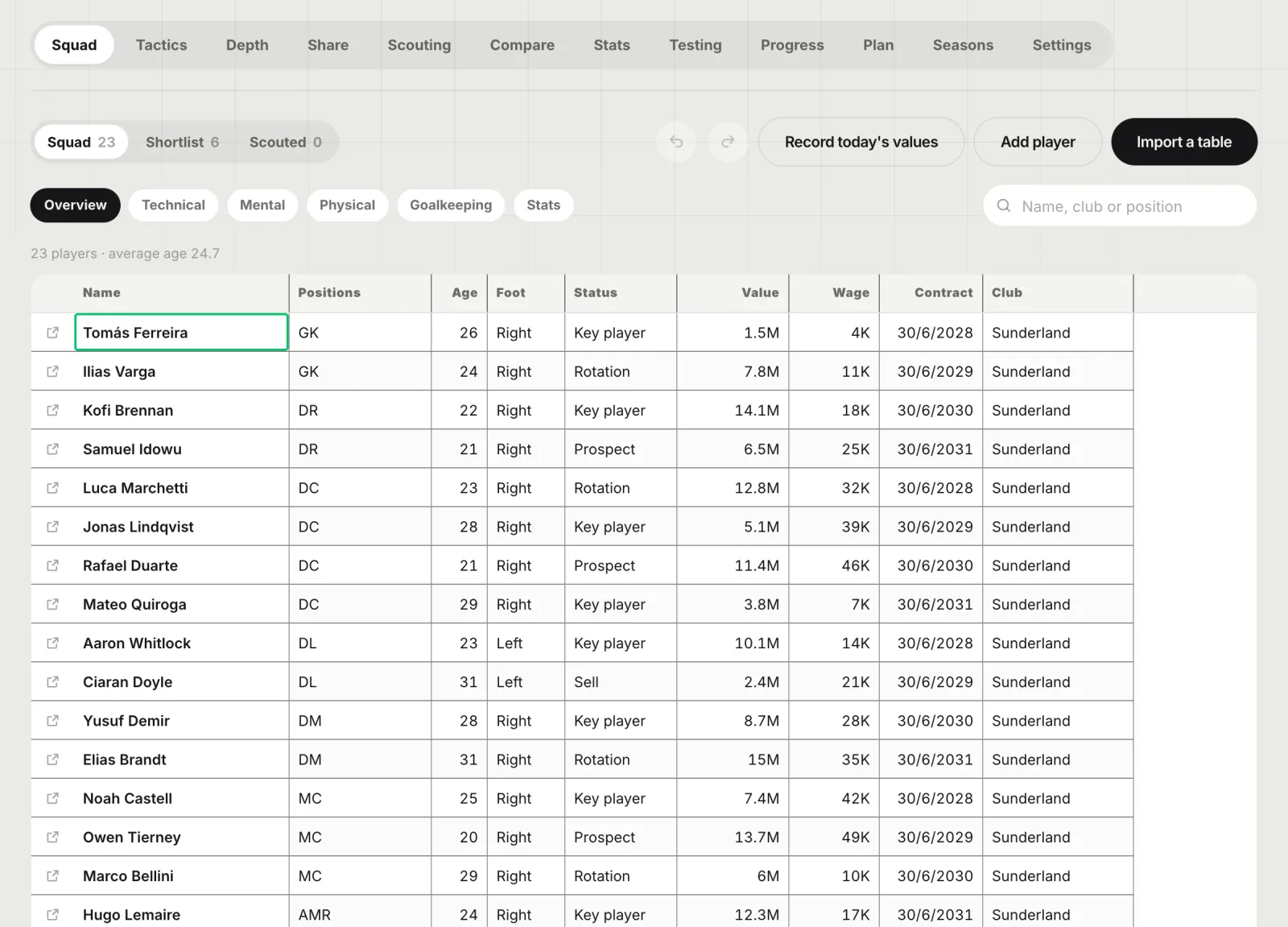
On Squad, press Import a table and drop or paste any table: a view from the game printed as a web page, a CSV, or cells copied from a spreadsheet. Players, positions, attributes, stats, contracts and values are read, and a later table of the same squad updates the same players. Add player types one in by hand.
-
Lay out your tactic
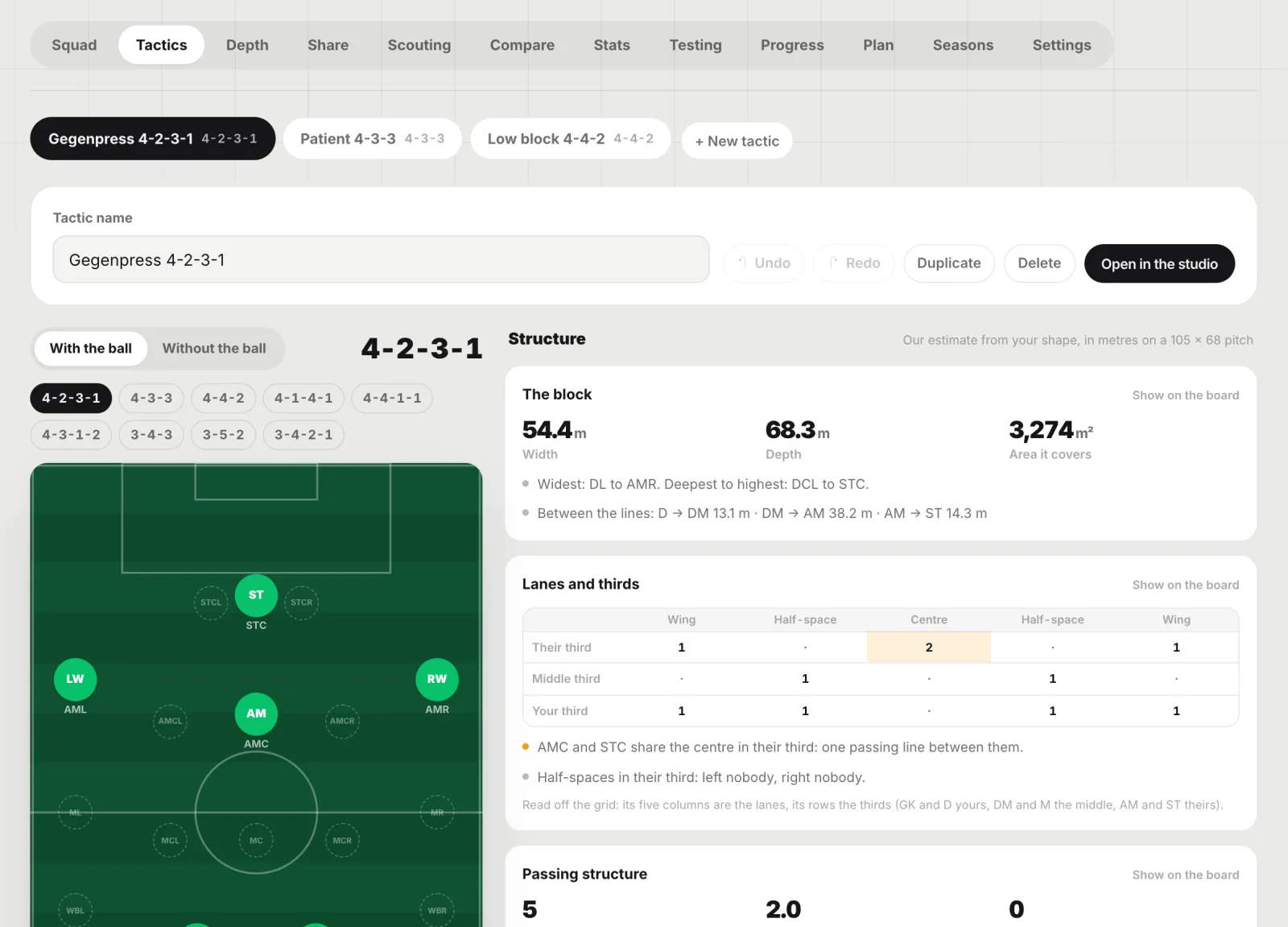
On Tactics, put the eleven on the position grid you know from the game, give each man a role, add the shape you defend in, and choose who plays where.
-
Read the ratings
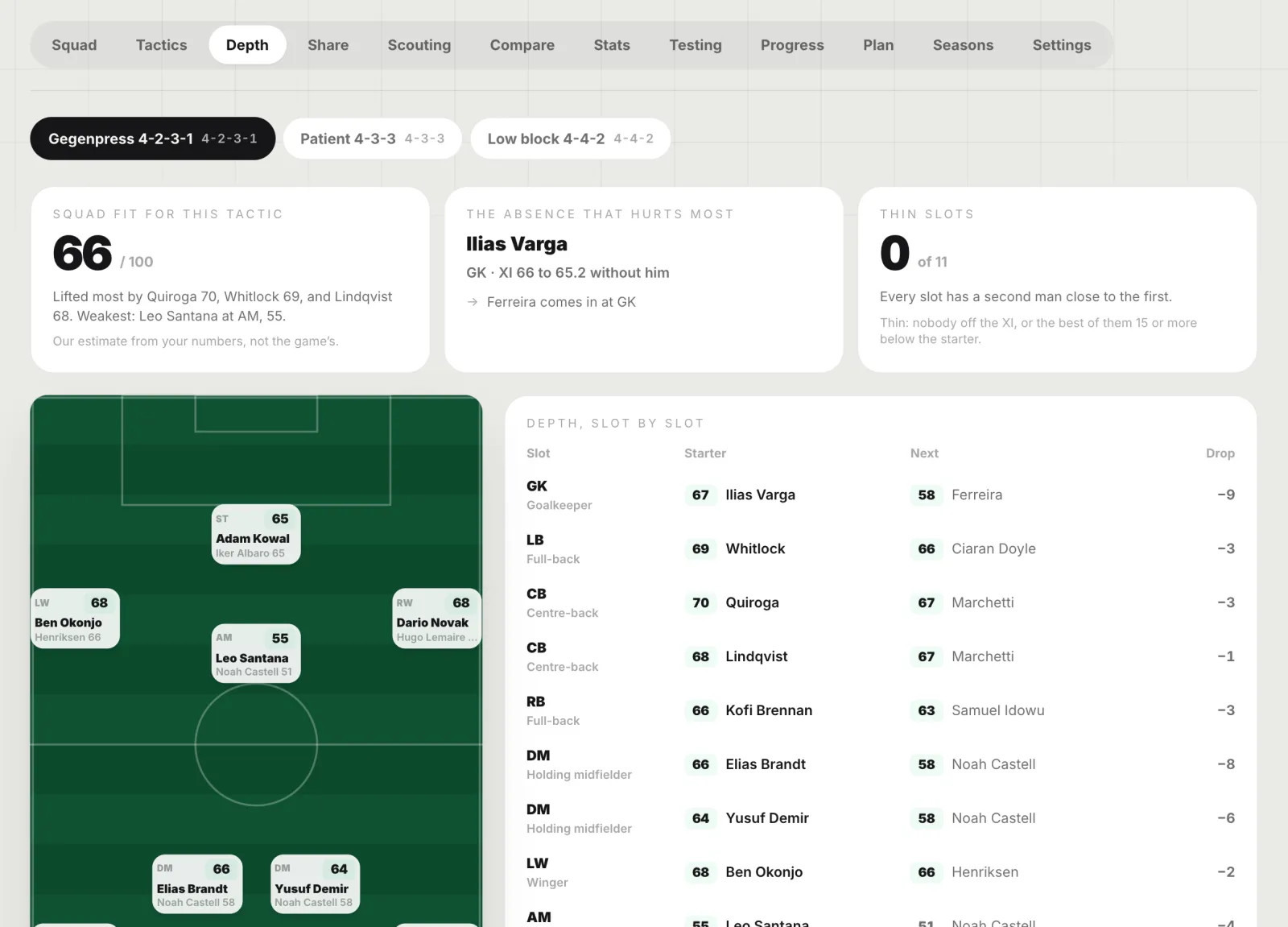
Depth gives every man’s fit in every slot, the Best XI, the second choice and the absence that hurts most. Scouting, Compare and Stats read your shortlist and your numbers the same way, and Share turns any of it into a card.
Every tab
A save opens on its squad. The tabs along the top are in the order a season goes:
- Squad: every player, edited like a spreadsheet, with undo, a table import and Record today’s values.
- Tactics: the shape with the ball and without it on a true-scale board, roles, and the shape measured in metres.
- Depth: fit in every slot, the Best XI, second choices, the absence that hurts most, balance, the squad radar, and which system suits the squad.
- Share: cards to post, and a film of the move between your two shapes.
- Scouting: a target’s fit in a slot, the upgrade over your starter, value per point of fit, and players like any player you name.
- Compare: two to four players side by side.
- Stats: per 90 over a minutes floor, percentiles, any stat against any other on a scatter.
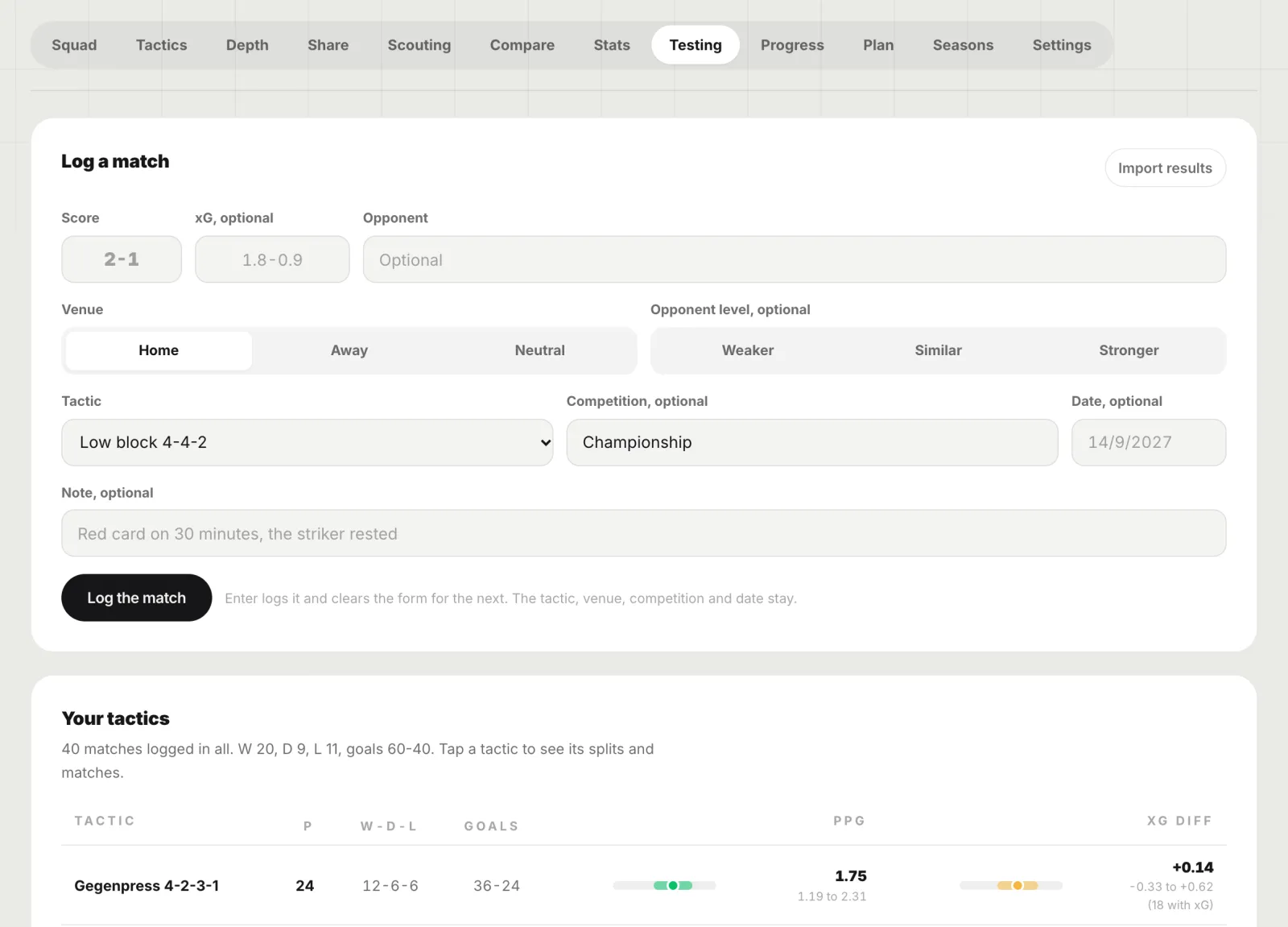
- Testing: each match logged with the tactic you played, points per game and xG difference with a 95% range, and A against B.
- Progress: who grew and who declined between two dated records, and the young players over every one.
- Plan: this season and the two ahead, from your sales, loans, extensions and the contracts running out.
- Seasons: the history of the save, with a recap card for each season.
Our numbers, not the game’s
Every rating is worked out from the numbers you bring, by fixed rules: each one shows the three things that moved it most. Nothing is guessed: no match prediction, no attribute growth, no AI. Distances are real metres on a 105 by 68 m pitch, and a number from too few matches says so.
Private, and only yours
A save belongs to the account that made it. Nothing in it is shared with other coaches or added to any database, and deleting the save deletes everything in it. The cards you choose to share carry our computed numbers and up to eleven names, never a table of attributes.
What Manager Lab reads
Tables, and what you type. It reads no game files, saves or game memory, needs no plugin, and works with every edition of the game. Total Football Studio is not affiliated with Sports Interactive or SEGA.
Questions
What is Manager Lab?
A place in the studio for Football Manager players to keep each career as a save: the squad, your tactics on a real board, depth charts, scouting, stats, tested tactics, player progress, a three-season plan and the season history, with every rating worked out from your own numbers. Beginner keeps 2 saves; Amateur and Pro keep as many as you like. Total Football Studio is not affiliated with Sports Interactive or SEGA.
How do I get my Football Manager squad into Manager Lab?
Export any view from the game as a table, or copy cells from a spreadsheet, and drop or paste it on Squad with Import a table. Players, positions, attributes, stats, contracts and values are read, and a later table of the same squad updates the same players. Anything can also be typed by hand. Nothing is read from the game, its files or its memory.
Who can see my Manager Lab saves?
Only you. A save belongs to your account, is never shared with other coaches or pooled into a database, and is deleted with everything in it when you delete it. The cards you choose to share carry our computed numbers and at most eleven names, never a table of attributes.